kiosk in Android Lollipop, guided mode in android | Object Partners

By | November 5, 2014

Last Updated on November 5, 2014 by Craig Allen Keefner
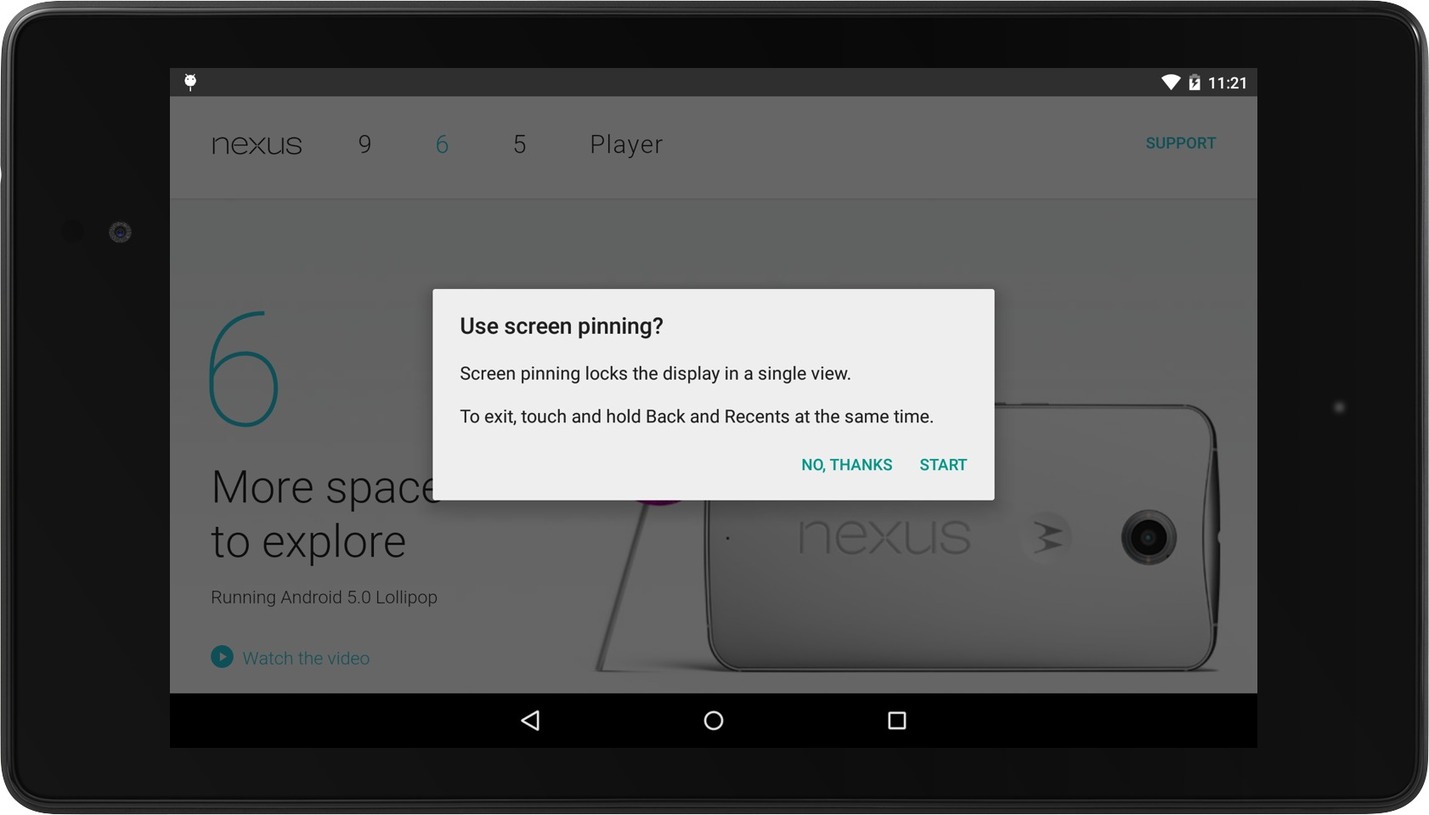
Building a Kiosk Application in Android 5.0 (Lollipop)

Source: www.objectpartners.com

Android L introduced “Screen Pinning” API. This allows an application to temporarily restrict a user from navigating away from your activity. When Screen Pinning in enabled, it restricts a user from gaining access to notification bar on top as well as the navigation bar at the bottom. Prior to Android L, developers had to hack around in order to build a kiosk type application. Those workarounds included making the application a “default launcher”, write code to forcefully close the notification bar back up so users could not gain access to them.

Author: Craig Allen Keefner

Craig Allen Keefner is an industry analyst, content strategist, and longtime authority on self-service kiosks, digital signage, unattended payment systems, and interactive technology. He manages content and industry strategy for Kiosk Industry and The Industry Group, with a focus on kiosk software, hardware-software integration, accessibility, payment compliance, healthcare kiosks, restaurant self-service, and emerging AI automation. Craig has covered the self-service and kiosk industry since the 1990s, tracking how public-facing terminals move from concept to field deployment. His work combines industry research, vendor analysis, operator conversations, standards tracking, trade show coverage, and practical experience with the real-world constraints of kiosk deployments. https://www.linkedin.com/in/kiosk