Chromebook Kiosk Mode by Google

By | January 4, 2026
Google Chrome kiosk

Last Updated on January 4, 2026 by Craig Allen Keefner
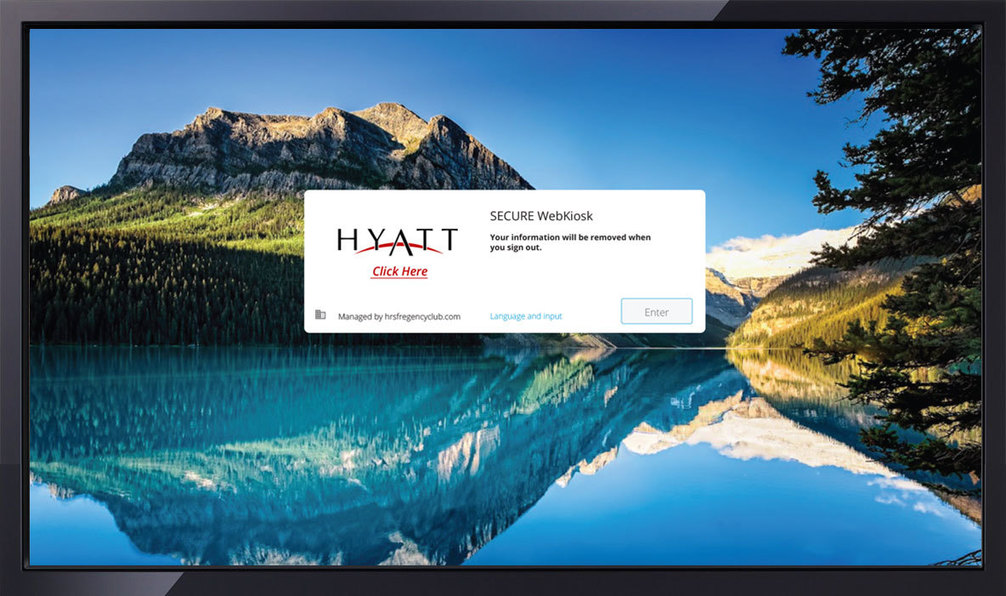
The Industry Group (TIG) and KIosk Industry Group image

Google chrome kiosk mode

Configure Chrome devices to power your customer or employee kiosks

Source: www.google.com

Google for Work resource page on developing kiosks using Chrome kiosk. Chromebooks, Chromebox,

  • Kiosk Mode Software Providers Recommended
    • KioWare software for lockdown and remote monitoring
    • Esper Android Cloud Solutions
    • Sitekiosk – Android and Windows lockdown, remote management and CMS for digital signage

ChromeBase, Chromebit, and more.  Javascript hooks & functions allow for USB device integrations with Credit Card, Printers, Bar Code Scanners and more. Bluetooth integration provided.

The devices are listed in gallery format. Up to 16 right now including Lenovo, HP, Toshiba, Asus, Acer, Dell and LG.  No ChromeBits listed yet.  Link

Digital signs are supported by Chrome kiosk in a big way.  See https://www.google.com/work/chrome/devices/for-signage/index.html


Google Chrome kiosk Mode useful links

More Information

Author: Craig Allen Keefner

Craig Allen Keefner is an industry analyst, content strategist, and longtime authority on self-service kiosks, digital signage, unattended payment systems, and interactive technology. He manages content and industry strategy for Kiosk Industry and The Industry Group, with a focus on kiosk software, hardware-software integration, accessibility, payment compliance, healthcare kiosks, restaurant self-service, and emerging AI automation. Craig has covered the self-service and kiosk industry since the 1990s, tracking how public-facing terminals move from concept to field deployment. His work combines industry research, vendor analysis, operator conversations, standards tracking, trade show coverage, and practical experience with the real-world constraints of kiosk deployments. https://www.linkedin.com/in/kiosk