The Future of Self-Service: Balancing Technology with Human Touch
Olea Kiosks® November 2023
The Future of Self-Service:
Balancing Technology with Human Touch
click for full size
We see the need for a fresh perspective on self-service. It’s no longer just about automating processes; it’s about striking a delicate balance between technological efficiency and the irreplaceable value of the human touch.
Olea’s self-checkout kiosks can be seen at several stadiums this fall including Empower Field at Mile High Stadium. Self-checkout kiosks transform the game-day experience, allowing fans to savor the thrilling moments of the game instead of reminiscing about the long, tedious lines they endured.
If you have a project you want to speak to us about, call us at 800.927.8063 or you can email us at [email protected]. Thank you!
About Olea Kiosks
Olea Kiosks is a self-service kiosk solution provider for various industries such as government, healthcare, hospitality, travel, and entertainment. They offer both standard and custom kiosk designs that redefine self-service1. Their kiosks are designed, engineered, and manufactured in-house to fit the specific requirements of their clients. They offer purpose-built kiosk models with 4 to 8 weeks production time, which is the most cost-effective option. They also provide OEM services for large-scale deployments1. Olea Kiosks has been in the kiosk design and manufacturing industry for over 40 years.
December 2023 marks 10 years since the launch of imageHOLDERS, a global and market-leading manufacturer of design-led self-service kiosks.
The design and use of digital kiosks have evolved rapidly during this time, keeping up with the exponential rate of change in screen and device technology.
Founded by Adrian Thompson, Adrian’s vision was to make technology accessible to all. However, with tablet technology not on the open market till the late 2000s and the first Apple iPad only being launched in 2010, imageHOLDERS was very much ahead of its time.
By 2013, technology had evolved sufficiently for Adrian to turn his business vision into a reality, and he launched imageHOLDERS fully in December 2013.
From 2013 – 2023 the past decade has seen years of collaboration with our clients, bringing visions and goals to life through design-led, customer-focused solutions.
imageHOLDERS innovation has been recognised around the world. Notably, imageHOLDERS was presented with the ‘The Queens Award for Enterprise’ for the category of international trade in 2021.
Chief Solutions Architect and Founder, Adrian Thompson talks more about the client-first approach:
“We listen intently to our client’s needs and the user journeys they want to implement; we essentially wrap the technology required to facilitate those journeys into User-Centric well-designed experiences. We take the best of consumer design and apply it to commercial products for business. This is the key to our success.”
A market leader in offering world-class, award-winning digital solutions imageHOLDERS now operates on a global scale with offices in Canada, Australia, and the USA and with major blue-chip clients within airlines, retail, hospitality, banking, and healthcare.
Vice President of Sales for North America and Co-Founder of imageHOLDERS Pete Thompson comments on the opening of the USA and Canada division:
“The self-service kiosk industry is a fascinating space that combines the latest in technology, including software, connectivity, and device hardware with the need to create seamless user experiences through superb aesthetic and ergonomic design and utilisation of the latest in manufacturing technology and materials. These different disciplines all need to be fully considered in the generation of a successful self-service kiosk. Taking this complexity and refining it into world-class solutions continues to motivate and inspire us to continue developing and delivering. The opportunity to bring the imageHOLDERS offer to North America was an opportunity I could not pass by. The last ten years have been a journey of continuous learning and I am looking forward to seeing where we go in the future.”
Two men shaking hands indoors, an imageholder of achievement. The man on the left clutches a blue glass award, while the man on the right is resplendent in a formal uniform adorned with medals and a red-banded hat. Both radiate happiness in front of a glass-walled room.
A large group of imageholders stands inside a warehouse-like building, wearing matching navy blue shirts. At the front, two men hold a trophy—one in a formal uniform and the other in casual attire. Many people in the background are raising their fists.
A modern airport terminal features four kiosks for domestic and international check-ins and baggage tag printing. On the left, a blue emblem reads Celebrating 10 Years with the imageHOLDERS logo proudly displayed, exemplifying their commitment to innovative kiosk solutions.
We design and build innovative business solutions, making technology more accessible for all. Our interactive kiosks and device enclosures help companies drive revenue, improve efficiency, and overcome sticking points in their user journey.
Our designs are sleek and intuitive, ensuring the technology enables and empowers both employees and consumers alike. Our mission is to solve the self-service challenges of organisations around the world with innovative design and exemplary service.
With the new rebranding that Burger King is going through it reminded us of our article titled “Quick-service restaurant kiosks: What’s taking so long?” The gist was that although major players like Subway, McDonald’s, Burger King and Arby’s started experimenting with kiosks in 2006, we had yet to see mass adoption in the restaurant space, despite kiosks’ rapid deployments in airports, grocery stores and casinos. In technology terms, it has since been a lifetime. However, kiosks finally seem to be having their moment in the quick-service space. New research from Tillster shows that 25% of restaurant customers have used a self-ordering kiosk at a restaurant within the past three months—up 7% year-over-year. Further, more than 65% of customers said they would visit a restaurant more often if self-service kiosks were offered, and 30% of customers prefer to order from a kiosk versus a cashier if the lines were of equal length.”>cost-cutting expense trimming store closures (400 soon), it was time to update. We do note that they have been updating their drive thru screens and they look nice. Maybe the biggest story with Burger King though is PAR winning the account, and a bunch of companies losing it (example NCR). As of November 7, 2023, there are 6,805 Burger King restaurants in the United States. Globally, Burger King operates and franchises a total of 19,789 restaurants in 97 countries around the world.
From Business Insider Nov 7
Burger King execs say the chain is planning to speed up the rollout of digital order kiosks.
“The US is ready for kiosks now,” RBI’s CEO said, following the “tremendous” results of trials.
Kobza said Burger King had started piloting kiosks in more company-owned restaurants with “tremendous results.” The “vast majority” of orders in these restaurants were placed using kiosks, he added.
Another of the vanquished is Olo, who is seemingly losing more of these ordering accounts by the month. Many shareholders have expressed their concern that Olo’s online ordering solution is out of TAM, and Burger King isn’t doing that talking point any favors.
NCR is irrelevant so we can ignore them, but this should have been an obvious Micros/Oracle win.
Big account.
Needs a lot of features and support.
International (where Oracle already owns the POS relationship, actually).
Complex.
But it didn’t happen.
In fact, PAR won because they pitched the opposite of a large, establish enterprise: their CEO is known to take calls at 2 AM when a problem arises, and that culture has propagated across PAR.
But that’s extreme ownership, and it may not be super scalable.
And by the way, RBI is more than just Burger King: Popeye’s, Tim Hortons, and Firehouse Subs.
With quick-service restaurants (QSRs) increasingly rethinking their stores with an emphasis on digital efficiency, Burger King is trying a new kiosk-focused concept that prioritizes off-premise channels.
At a convention with franchisees last week, the chain debuted its “Sizzle” design, which includes digital self-service ordering kiosks in addition to “streamlined” drive-thru and pickup options, CNN Business reported.
“We’re going to lean in where the most of our business comes in, which is the drive-thru,” Tom Curtis, president of Burger King U.S. and Canada said, per the report.
Two such locations are already in operation, with more to come by the end of next year, the report said.
Looking back — Forbes in 2019
In 2010, I wrote an article titled “Quick-service restaurant kiosks: What’s taking so long?” [www.kioskmarketplace.com/articles/quick-service-restaurant-kiosks-whats-taking-so-long/]
The gist was that although major players like Subway, McDonald’s, Burger King and Arby’s started experimenting with kiosks in 2006, we had yet to see mass adoption in the restaurant space, despite kiosks’ rapid deployments in airports, grocery stores and casinos.
In technology terms, it has since been a lifetime. However, kiosks finally seem to have their moment in the quick-service space.
New research from Tillster shows that 25% of restaurant customers have used a self-ordering kiosk at a restaurant within the past three months—up 7% year-over-year. Further, more than 65% of customers said they would visit a restaurant more often if self-service kiosks were offered, and 30% of customers prefer to order from a kiosk versus a cashier if the lines were of equal length.
Kiosk Marketplace
Preview of interview with HMS Host and their BK kiosks to go into airports.
About RBI
Restaurant Brands International is a Canadian-American multinational fast food holding company that owns and operates several well-known restaurant chains, including Burger King, Tim Hortons, Popeyes, and Firehouse Subs 12. The company has over 30,000 restaurants in more than 100 countries around the world, with more than $40 billion in annual system-wide sales.
Burger King is a global quick-service hamburger chain known for its food quality and value, with more than 18,700 locations in more than 100 countries and U.S. territories 1. Tim Hortons is one of North America’s largest restaurant chains, operating in the quick service segment, with more than 5,400 system-wide restaurants located in Canada, the United States, and around the world 1. Popeyes is a chicken quick service restaurant with over 3,600 restaurants in the U.S. and around the world, known for its unique New Orleans-style menu featuring spicy chicken, chicken tenders, fried shrimp, and other regional items 1. Firehouse Subs is a restaurant chain with a passion for hearty and flavorful food, heartfelt service, and public safety, with more than 1,200 locations in 46 states, Puerto Rico, Canada, and non-traditional locations.
Click for full size — Restaurant Brands International Stock Price
Materna IPS at Orlando International Airport with Spirit Airlines
Nice video by Materna on Orlando Airport Bag Drop kiosks. Materna provides check-in solutions for airports and airlines. They provide kiosk check-in solutions, mobile and web check-in as well as counter solutions based on CUPPS and CUTE. Materna IPS check-in solutions allow passengers to check in at a kiosk quickly. Data shows they achieved a record 19.1 seconds for a kiosk check-in at Frankfurt Airport1. They also offer self-service check-in and bag drop kiosks at airports. Their check-in solutions are fully compliant with IATA RP 1706c and allow easy airline integration. They offer biometrics and payment functions for an improved passenger experience. On-site maintenance services are provided on request. Materna works with a number of kiosk manufacturers behind the scenes to develop new kiosk iterations.
Orlando Airport Bag Drop and Kiosk Improvements:
Passengers stressed due to traffic and long queues.
⏱️ Standard agent desk queues take 20-30 minutes.
AI technology introduced for hassle-free check-in.
Baggage regulations consistently enforced.
Facial recognition for boarding pass and ID.
⚖️ Bag is weighed, scanned, and placed on the belt in 20 seconds.
Streamlined process helps airlines and passengers.
Successful partnership between airport, Spirit, and Mat Turna.
Quite the project in Arizona with a wide variety of ticketing kiosks in a very challenging environment. Outdoor Ticketing Kiosk Arizona. Contact Advanced Kiosks for more info
Overview:
A renowned natural attraction in southern Arizona has integrated a sustainable and tech-savvy approach to enhance the visitor experience. Replacing old diesel shuttles, the Regional Partnering Center introduced the emission-free Sabino Canyon Crawler in 2019. To further streamline the visitor experience, Advanced Kiosks was hand-picked to deploy four modern ticketing kiosks, designed to withstand Arizona’s extreme climate. These kiosks have since processed tickets for over 330,000 visitors, generating $3.8 million in sales. Despite challenges, the initiative has been successful, capturing interest from other organizations aiming to replicate the model.
Outdoor Ticketing Kiosk Picture Gallery
A group of tourists relaxes inside the open-air Sabino Canyon Crawler shuttle, traveling through a scenic, lush canyon with outdoor ticketing kiosks available nearby. The green shuttle with white text glides beneath the suns warm glow, surrounded by vibrant vegetation and rocky terrain.
Solar Pod
Left image: A person engaging with an outdoor through-wall kiosk interface via touchscreen. Right image: A solar-powered ticketing kiosk in a remote lot, featuring a keypad and monitor inside, adorned with desert landscape artwork.
A digital ticketing kiosk stands against a brick wall, seamlessly blending into its surroundings while displaying transit information. Next to it, an outdoor sign showcases desert scenery with rocks and plants beneath the header The Mountains Gift to the Desert.
A person stands near two outdoor ticketing kiosks, seamlessly built into a brick structure. One kiosk is marked with a Shuttle Tickets sign. The person wears a hat, beige shirt, and jeans, ready to snag their pass for the journey ahead.
Since the kiosks were launched, they have served more than 330,000 people and have processed more than $3.8 million in ticket sales
Sabino Canyon, located at the base of the Santa Catalina Mountains, is one of the premier natural areas in southern Arizona. The 12,000-acre area features dramatic desert scenery, towering rock formations, and a variety of cacti, including the iconic Saguaro cactus. The backdrop of the mountains adds to the picturesque landscape. With more than 30 miles of groomed trails, Sabino Canyon is a popular
recreation area for both residents and visitors alike. The area has been closed to private vehicles since 1978, but visitors can tour the canyon via the emission-free, open-air Sabino Canyon Crawler. The 1-hour round trip features an audio tour where passengers can plug provided earbuds in at their seat, providing a unique experience for those on the tour while shielding non-shuttle canyon visitors from noise and sounds. The narration is available in English and Spanish. The shuttle system features five Sabino Canyon Crawlers, each with seating space for up to 62 passengers.
THE CHALLENGE
The Regional Partnering Center was established in Pima County by the Regional Council of the Pima Association of Governments, which then established the Sabino Canyon Crawler system in 2019. The RPC, a 501(c) (3), advances policies, practices and solutions to regional planning, environmental and energy challenges in Pima County through research and educational outreach. The Sabino Canyon Crawler replaced the previous diesel-operated shuttles, which were noisy, smelly, and created air pollution.
“I am constantly being called by other members of the US Forest Service, the National Park Service, or other recreation venues to see what we’re doing… They want to know everything about the kiosks.”
Outdoor Thru-Wall Kiosks used for most ticket sales
The RPC initially raised nearly $3 million to get the ball rolling on planning for the shuttle system. Tucson Electric Power provided capital investment for the electric shuttles and electric utility work related to the infrastructure improvements to operate and maintain the system. Those working behind the scenes to launch the project wanted to implement a kiosk-based ticketing system to accompany a web-based system and to simplify the process for visitors who wanted to purchase tickets on site.
After conducting a search process and receiving several bids, the RPC partnered with Concord, N.H.-based Advanced Kiosks.
THE SOLUTION
The RPC implemented four kiosks, with two of Advanced Kiosks’ Outdoor Transit models and two of the company’s Thru-Wall Kiosks. Transit kiosk located inside gift shop
The Transit Kiosk is a state-of-the-art, outdoor kiosk built to withstand extreme climates. This touchscreen kiosk is made with 14-gauge stainless steel and has a cooling and heating system. For sunny days, the sunlight-readable monitor will put out 1100 nits of light.
One of the standalone kiosks is located inside the Sabino Canyon gift shop. The other is stationed inside in a mural-decorated, solar powered storage pod located in a remote parking lot, serving visitors during the area’s busy season.
The Thru-Wall Kiosk is a durable and secure kiosk which is installed through the wall, providing user access outside and maintenance access inside. Easily installed in existing walls or new construction, the form factor lends itself to industrial use and secure access control applications, making it ideal for unmanned facilities.
The RPC wanted the Thru-Wall kiosks specifically to cope with southern Arizona temperatures, which can top 115° F. The organization constructed a shade that can be pulled down to block the effects of the sun, which can make the kiosk keyboards too hot to touch. “When we called, the Thru-Wall Kiosks were still under development,” said Rob Samuelsen, who retired from the Pima Association of Governments but now consults with the RPC. “I think we have the very first two that Advanced Kiosks manufactured.”
THE RESULTS
Since the kiosks were launched, they have served more than 330,000 people and have processed more than $3.8 million in ticket sales. The introduction of self-service kiosks has played a signifcant part in that transition, but it could not have been so successful without total buy-in from Samuelsen and the Crawler team. They have taken ownership of the project from the start, putting in the time and effort to customize the solution to their specifications.
“We’re really proud of what we’ve done,” Samuelsen said. “The previous vendor was 100% cash,” he said. “We’re at 97% debit/credit now. [The kiosks] are a critical component of our business.”
Still, the deployment hasn’t been without its challenges. Bugs seem to enjoy living in the kiosk keyboards, requiring regular cleaning. “I don’t know how they do it, because these things are sealed pretty tight,” Samuelsen said. “I get in them and there are bug carcasses everywhere.”
Solar-powered Transit Kiosk in remote lot
Despite the environmental complications, the kiosks still work great. This is a testament to the high level of quality associated with Advanced Kiosks’ products. Additionally, because Internet service providers don’t see an economic benefit in running DSL lines to the visitor center, the kiosks operate via wireless connectivity.
Thanks to the remote monitoring capabilities of Advanced Kiosks’ Zamok Kiosk Management software, Samuelsen receives a notification on his smartphone in the event connectivity goes down
Because the area is relatively remote, connections can be spotty. Thanks to the remote monitoring capabilities of Advanced Kiosks’ Zamok kiosk management software, Samuelsen receives a notification on his smartphone in the event connectivity goes down. He finds great value in the kiosk notifications and uses them to ensure operations are running smoothly at all hours of the day, as there are regular network disruptions due to the poor internet connection.
Solar Pod
Mural-decorated, solar-powered storage pod containing Transit Kiosk located in remote parking lot Mural artwork by Joe Pagac
Without Zamok’s notification system, Samuelsen would have no way to keep such a close eye on the status of the kiosks. Fortunately, the U.S. Forest Service is planning a major renovation to the visitor center, which should result in an upgrade to the Internet service. Despite the expected effort required to cope with such a harsh environment, Samuelsen is pleased with the way the kiosks have performed. The RPC is about to renew its 5-year contract with the Forest Service to operate the shuttle, and the organization is considering a refresh of the current kiosk models.
He also frequently fields calls from other organizations that are interested in implementing a similar system and want to hear about how it is working for the Crawler system.
“You can see the numbers of how much of our ticket sales comes through the kiosks,” Samuelsen said. “It’s a critical, critical component to our operation.”
Additionally, the success of the kiosk ticketing project has sparked interest from others seeking to duplicate its success in their own operations. “I am constantly being called by other members of the US Forest Service, the National Park Service, or other recreation venues to see what we’re doing,” he said. “They want to know everything about the kiosks.”
Are you ready to start your self-service journey? Reach out to the Advanced Kiosks Sales Department at [email protected], call (603) 865-1000 or contact us on our website.
Global technology innovator LG Electronics is set to join the U.S. electric vehicle charging market with the introduction of its first AC and DC EV charging stations.
LG is expanding into this new market to support the U.S. commercial sector’s development of an electric vehicle charging infrastructure, which is vital for EV industry success and aligns with the country’s green energy goals.
Notably, LG is empowering hotels, restaurants, venues, transit hubs, municipal buildings and other locations to independently own and operate their EV charging stations, enabling them to set their own rates and ensure ample capacity to meet local demands.
LINCOLNSHIRE, Ill., Nov. 16, 2023 – Global innovator LG Electronics will enter the rapidly growing U.S. electric vehicle charger market in 2024 with the introduction of its first line of AC and DC EV charging stations. According to LG Business Solutions USA’s Senior Vice President Nicolas Min, the line will include Level 2 and Level 3 EV chargers, opening new opportunities for businesses, municipalities and other public places to support the electrification of America with independently owned and operated charging stations.
“As a leader in the electrification movement, LG is committed to delivering systems and solutions to help U.S. commercial customers develop the infrastructure to charge electric vehicles, which is critical to the success of the industry and the nation’s clean energy goals,” Min said. “Our product roadmap supports various use cases to provide a flexible, adaptable family of EV chargers to keep America moving as electric vehicles continue to grow in popularity and capabilities.”
LG knows that the U.S. will need hundreds of thousands of additional Level 2 and Level 3 chargers to support the growing number of EVs on the road, and LG will help individual businesses take part in the market without relying on third-party owner operators. By giving hotels, restaurants, venues, transit hubs, municipal buildings and other locations the opportunity to own and operate their own EV charging stations, LG will empower them to set their own rates and ensure enough capacity to meet local demands.
Update on Sixteen:Nine mixer by Dave Haynes. After years of talking about it, they are going to have check-in kiosks this year. Ed Crowley with URway Holdings for hardware and KioWare for kiosk software will be handling the crowd check-in. Don’t forget that for DSE that we also offer free passes. We’re official Sponsor for DSE . Code KMA20 for free expo pass.
The Sixteen:Nine Mixer at DSE has been going on in various fashions and places since 2009, and in all that time I have mused about how there had to be a better way to handle check-in and giving attendees badges that help introduce and connect them with others at the event.
Kiosks have been the obvious solution, but I have never really got my act together to put that together. We almost had that sorted a year ago, but my technology partners were next-level hopeless.
Industry vet Ed Crowley and I have spoken for many years about getting a solution together, but while he was eager to help, I was lotsa talk and little or late on tangible actions … until this year. We chatted at InfoComm and resolved to ACTUALLY pull it together.
So … instead of several tables at reception laid out with 400 or so pre-printed thermal shipping labels that have attendee names and their companies, there will be a table with two countertop kiosks on them that arriving attendees can walk up to, boink the screen to enter their last name, confirm, and send a command to a built-in printer that will spit out the label. They’ll then grab a badge blank and lanyard from the check-in team – my wife Joy and her sister Sue, who have been helping me for years and are happily compensated with glasses of Malbec.
This set-up should greatly speed check-in and actually show technology in action, at a tech event! I know, crazy …
Historically, I have printed out 100s of labels ahead of time, sorted them all alphabetically, and then on the day, Joe and Sue painstakingly lay them out on tables and politely deal with people whining that the layout should have been right to left, or left to right. Or something.
Crowley’s company URway Holdings and its solution brand URway Digital are providing the turnkey, countertop kiosks and partnered with Kioware to develop the overall user experience, accessibility and kiosk management. They’ve also made sure everything works, even with consumer-grade Dymo printers that spit out labels like the mound of them generated for a past event. A huge thank you for providing this self-service solution.
The mixer at ISE will also have a couple of kiosks for check-in – which will be especially handy because the entry area for that Barcelona venue is kinda cramped, so speeding people through check-in will minimize attendee log jams. Miguel Fonseca and his team at Braga, Portugal-based DISPLAX are going to help me with that.
We’re also noodling some sort of networking/education event for Porto, Portugal, the week after ISE. Portugal has a very healthy tech community and two of the best queue management/display solutions out there come from Portuguese firms. More details if/as that idea firms up. I’m going to work in Porto for a week, since I’m over that way anyway, it’s winter and I’m Canadian, and that part of the world appeals to me waaaaay more for extended retirement getaways than Florida ever will.
This weekend, the electrifying world of Formula 1 racing descends upon Las Vegas, transforming the city into a high-octane spectacle of speed and excitement.
As these engineering marvels race through the heart of the Strip, making their way around iconic landmarks and neon lights, there’s an added layer of excitement for technology and racing enthusiasts alike. Amidst the roar of engines and the cheering of crowds, Acquire Digital’s innovative LED installations stand as beacons of digital artistry and technological prowess. These installations not only complement the dynamic energy of the F1 race but also offer a unique visual experience that parallels the thrill and sophistication of the event.
Las Vegas is one of the most iconic areas in the world for bigger, brighter, and more exciting displays. Acquire is well placed to enable this to happen with an incredibly flexible platform designed for these Spectacular LED displays.
Here’s a closer look at two of our standout digital installations in Las Vegas that are a must-see while you’re immersed in the race weekend festivities.
Digital Pylon LED Installation at the Forum Shops:
Imagine a towering LED structure, brilliantly lighting up the Las Vegas Strip. Our Digital Pylon at the Forum Shops is a marvel of modern technology. Listed as a ‘must see’ attraction by Visit Las Vegas, this iconic sign features a custom-developed pixel mapping matrix, allowing for individual control of its segments, and synchronized audio and other screens along the Strip to provide for an immersive experience of artwork and advertising.
What sets the Pylon apart is its dynamic live transitions, seamlessly blending advertisements with themed transition content, all powered by Acquire’s core engine platform. With content crafted by the renowned Moment Factory, the display showcases innovative designs that echo classical Roman architecture. As the F1 cars speed past, make sure to catch a glimpse of this mesmerizing display.
Step into the Cosmopolitan Hotel and be greeted by another Acquire masterpiece. Our lobby installation is a bold statement in digital art, offering dynamic, engaging content that captivates visitors. Its technological prowess allows for simultaneous, synchronized playout of multiple 4K videos per column, with a failsafe backup player ensuring continuous operation with the minimum of equipment.
The Acquire Studio platform enabled The Cosmopolitan to trigger some new event-led content specially commissioned and launched for the F1 event. Using all eight columns individually but synchronized to tell the story, and unique audio for each part of the space.
The Acquire platform was chosen to replace a previous installation due to the features, ease of use, and stability of the platform, and was installed in an overall display upgrade through 2021-22.
As the F1 race cars blaze their trails down the Las Vegas Strip, they bring with them a spirit of innovation and exhilaration that resonates perfectly with the ethos of Acquire Digital. Our installations at the Forum Shops and the Cosmopolitan Hotel are more than just visual spectacles; they are embodiments of cutting-edge technology and creative expression, mirroring the dynamism and excitement of Formula 1 racing. These installations are not just to be viewed; they are to be experienced. As you immerse yourself in the adrenaline-pumping environment of the race, take a moment to witness these digital marvels.
At Acquire, we pride ourselves on our portfolio of groundbreaking digital installations that redefine creative boundaries worldwide. Are you envisioning a digital installation that stands out and captivates? Let’s collaborate to bring your vision to life. Contact our team today to explore the boundless possibilities of digital innovation with Acquire.
Feb Update from Lainey Feingold — There was an important court order (and a big win for accessibility) from the Ninth Circuit Court of Appeals on February 8, 2024 in the case against LabCorp about check-in kiosks at their medical labs.
The court ruled that the case can proceed as a national class action for possible injunctive relief (fixing the problem) and as a California class action (for possible money damages to blind people in California who had experienced the inaccessible kiosks). LabCorp had appealed a lower court order arguing that the lawsuit should not be a class action.
Previously, I have blogged on the inaccessibility of kiosks. Both of those blog entries, here and here, discussed whether the kiosk was a place of public
Previously, I have blogged on the inaccessibility of kiosks. Both of those blog entries, see understanding ADA blog and see understandingtheada.com, discussed whether the kiosk was a place of public accommodation. The case of the day, Vargas v. Quest Diagnostics Clinical Laboratories, here, is a bit different. In this case, you have a place that operates to draw blood and have their laboratories run the result when a doctor wants testing done. Quest uses a kiosk as part of the check in process. What happens when the kiosk is not accessible so that people with disabilities cannot check in with the same efficiencies as people without disabilities? By way of full disclosure, I am on the accessibility committee for the Kiosk Manufacturers Association. The facts are incredibly complicated and nuanced as well as a lot of them, so my usual categories for the blog entry do not make a lot of sense. So, after trying to do the blog entry my usual way for 90 minutes and getting nowhere, I have decided to adopt a different approach. The categories for this blog entry are: facts 30,000 feet overview; question/answers as a means of illustrating the court’s reasoning; and thoughts/takeaways. As usual, the reader is free to focus on any or all of the categories. Again, for all the relevant facts, the reader is strongly encouraged to dive into the opinion itself.
I
Facts 30,000 feet overview
click for full size – labcorp kiosk
If it is easy to summarize the facts, I will do that. Many times, I find it more efficient and more accurate to cut-and-paste the facts. Unfortunately, this particular case is one where the critical facts are many and quite long. So, summarizing the facts or cutting and pasting them is either very difficult or makes the blog entry too long. Basically, what you have here is that Quest Diagnostics is in the business of providing diagnostic information services, which includes collecting blood and urine specimens from patients that it then tests in accordance with physician orders. Quest Diagnostics and its subsidiaries receive the specimens for testing from hospitals and medical practices, but also collect specimens for testing through patient service centers (“PSCs”) located throughout the United States. It was never a part of the model to staff the place where people go to have their blood drawn with receptionists. So, electronic systems, which Quest Diagnostics calls kiosks (they are actually iPads), were put in place.
A blind individual shows up at Quest Diagnostics to have his blood drawn and simply cannot check in effectively. The whole experience was embarrassing and humiliating. The specific facts can be found in the opinion itself. There is a lot more to it than what is listed here. He also went back a second time as well and things weren’t quite right then either but he knew how the system worked. Again, take a look at the opinion, here, for a detailed recitation of the facts.
Additionally, the Department of Justice (“DOJ”) has issued an Advance Notice of Proposed Rulemaking (“ANPRM”) seeking comments on a proposal to promulgate regulations regarding accessibility of self-service kiosks. See Self-Service Transaction Machines and Self-Service Kiosks, 87 Fed. Reg. 57662 (proposed Sep. 7, 2022). In the ANPRM, the DOJ indicates that it intends to supplement the existing ADA Guidelines to require self-service kiosks to meet requirements currently applicable only to ATMs and fare machines. Id. at 57663. DOJ indicates that it will evaluate a number of potential questions, including what kiosks the new rule should cover, what technical requirements should be incorporated, and how many accessible kiosks a location should be required to provide.
II
Questions/Answers as a Way of Illustrating the Court’s Reasoning
Why didn’t you go into more detail as to the facts of this case as you usually do? Answer: as mentioned above, there are just too many of the relevant facts to cover without making the blog entry incredibly long. Also, some of the facts pertain to very granular details of the ADA and it might make some heads swims so to speak.
Why is this case different from all other kiosk cases that have been discussed previously? Answer: the difference is that the kiosks are part of the integrated system of services rather than a standalone entity.
If a person has the ability to use a service, does that mean there can be no disability discrimination under title III? Answer: no. Places of public accommodations have to start by considering how their facility is used by non-disabled guests and then take reasonable steps to provide disabled guests with a like experience. Further, the Ninth Circuit has held that necessary modifications can include modifications required to ensure enjoyment or minimize discomfort, rather than merely those required to ensure access.
How was the experience of the plaintiff qualitatively different than those without vision impairments? Answer: a person with vision could have checked in immediately using the kiosk but the plaintiff was unable to do so. In fact, the plaintiff had no way of communicating that he had arrived at all. Such uncertainty is a dignitary injury that plaintiff incurred solely because he was unable to see well enough to use the kiosk. Patients with vision could also immediately signal to a phlebotomist behind a closed door that the patient had arrived while blind and visually impaired patients could not do so. Finally, patients with vision received several advantages, including information about their place in line and their expected wait times as well with the ability to share personal information privately, that blind or visually impaired people did not receive.
Is dignitary harm something subject to the ADA’s title III? Answer: an experience resulting in embarrassment and humiliation is exactly the type of harm among the type of injuries that the ADA requires place of the public accommodation to minimize if they can do so without fundamentally altering their goods or services or without incurring an undue burden.
Must a person explicitly request an accommodation in order to have the duty to accommodate activated? Answer: no. In a footnote, the court noted that the duty to look into and provide a reasonable accommodation may be triggered when the need for accommodation is obvious even if no request has been made. The request performs a signaling function that puts public accommodations on notice that an accommodation or modification is necessary. In this case, Quest was aware or should have been aware that the original kiosks were not accessible to blind users.
What is the significance of phlebotomists being able to turn off a function that alerts them by sound that a blind or visually impaired user wanted to check in? Answer: extremely significant because by turning off the sound it essentially negated the ability of a blind or visually impaired user to notify a phlebotomist that someone was outside needing assistance.
What is the significance of the insurance and card scanner being added to the check-in process? Answer: extremely significant because if you are blind or visually impaired and cannot use the kiosk, you cannot use the insurance card scanner either. That is not a like experience.
Is it an affirmative defense to say that the ADA standards do not prohibit the approach taken by the defendant? Answer: yes but the ADA standard has to be related to the facts at hand, which is not the case here. Nothing in the ADA standards deals with kiosks as of yet.
Can an undue burden be an undue administrative burden? Answer: yes. Given the proposed rulemaking currently pending, requiring the defendant to revamp its kiosks twice in a relatively short period of time is an undue administrative burden.
Would plaintiff’s requested modification require the defendant to fundamentally alter its kiosk program? Answer: yes. The defendant would be required to either forgo a scanning function or to obtain entirely new kiosks to accommodate plaintiff requested modifications. Also, courts have held that where a place of public accommodation firmly offers assistance from a sales associate, independent touchscreens are not required. That said, there has to be a reliable method of quickly and easily summoning a phlebotomist to provide assistance in order to satisfy their ADA obligation.
What is the significance of when plaintiff returned for a second time and things didn’t go quite right? Answer: not much because the plaintiff already knew the drill so to speak in terms of how everything operates. So, even though things didn’t go exactly according to plan, the plaintiff still knew how to access the services if he had to.
What remedies did the court order? Answer: the court first ruled that title III of the ADA was violated because the plaintiff did not have the full and equal enjoyment of the defendant’s services and facilities due to their blindness/visual impairment. The court then ruled that the permanent injunction would include the following: A) Quest Diagnostics has to make reasonable efforts to ensure that the swipe system is available on all kiosks where the kiosk is the primary method of check-in. All such kiosks should provide any necessary audio notification at a reasonable audible volume; B) Quest Diagnostics has to ensure that the staff are trained so where a patient using the swipe system is not seen as soon as a phlebotomist is available, the staff will make affirmative offers of reassurance and assistance as early as practicable to such patients. Defendant has to ensure staff are trained so personal information that would otherwise be entered using the kiosk system should not be requested in the waiting room in front of other patients; C) defendant shall make reasonable effort to ensure that the audio message describing how to use the kiosk system plays no less than every five minutes at a reasonably audible volume in each place where the kiosk is the primary method of check-in. Defendant also has to provide reasonably prominent directions describing how to use the kiosk and its system on its website in a manner accessible to blind and visually impaired individuals using screen reading technology. Defendant, where possible, must provide braille instruction regarding how to use the system at each of its facilities; D) defendant has to revise its policies and software so that the bell audio notification to which staff cannot be turned off until they have implemented modifications such as screen readers or other technology that make the kiosks independently accessible to class members; E) plaintiff’s representative may monitor the defendant’s facilities to ensure injunctive relief has been implemented as ordered for the next two years. A dispute resolution mechanism is set up in the event of any problems; F) the court retains jurisdiction for a period of three years to ensure that the defendant has complied with the remedies ordered.
III
Thoughts/Takeaways
Both parties have appealed the case to the Ninth Circuit.
In a way, this case resembles the primary jurisdiction cases we have talked about in some of our blog entries, such as see nderstandingtheada.com. In a primary jurisdiction case, the argument goes that nobody has to do anything until the federal government gives guidance. That defense generally goes nowhere. However, that defendant did go somewhere here because rulemaking is pending. However, just because rulemaking is pending, doesn’t mean the rules will actually get done. We also don’t know what will happen in the 2024 elections. Finally, the United States Supreme Court is considering cases raising the question of whether Chevron deference will continue to be a thing. Therefore, it isn’t a slam dunk that this line of reasoning will be all that persuasive on appeal. In other words, an argument can be created that you cannot have a primary jurisdiction doctrine if Chevron deference is no longer a thing.
The case is an example of how a kiosk can be so integrated into the way a place of public accommodation operates that the kiosk inaccessibility can create ADA liability issues for the place using the kiosk.
Inability to utilize a service is not required under title III. Title III of the ADA requires places of public accommodation to ensure enjoyment or minimize discomfort for persons with disabilities attempting to use their service.
Magic words are not required to request an accommodation.
Interesting that §504 of the Rehabilitation Act was not involved as the facility undoubtedly takes federal funds. I don’t think causation, i.e. solely by reason of, would have been a barrier. For that matter, the lack of emotional distress damages being available under the Rehabilitation Act per Cummings, see understandingtheada.com, would not be a barrier either because this is an injunctive relief case. The reason §504 could have been a useful tool to go with is that §504 requires all of the operations of the entity to be meaningfully accessible to a person with a disability when it comes to an entity principally engaged in the business of providing healthcare, which arguably Quest Diagnostics is.
Generally speaking, I think of undue burden as being financial and fundamental alteration/undue administrative burden as turning the operations of the business upside down. Here, the court seems to create three categories. Undue financial burden, undue administrative burden, and fundamental alteration. I haven’t seen that before. It will be interesting to see if this comes up on appeal.
With respect to tester standing, we are waiting on the decision in the Laufer case, which we discussed here.
There are some notable gaps in the remedies as certain people with disabilities do not benefit from the remedies proposed by the court even if they have vision loss. That is, the whole system doesn’t work if you are both deaf and blind and such individuals do exist. The most notable deaf/blind individual is perhaps Haben Girma, a Harvard educated lawyer and motivational speaker. Even with the remedies ordered in this case, I don’t see how she uses the Quest Diagnostics system. Also, the swipe system doesn’t work terribly well if you have motor issues, such as hand tremors or Parkinson’s.
It has been true for decades that only 10% of the blind know braille and those figures have not changed much over time.
In the remedies section, there are all kinds of words that are hard to figure out what they mean and those phrases don’t appear to be terms of art, such as: 1) “reasonable effort;” 2) “reasonable audible volume;”3) “as early as practicable;” 4) “where possible;” and 5) “reasonably prominent directions.” None of these terms are ADA terms of art and are susceptible to a wide range of interpretations.
Expert testimony can be critical in these kinds of cases. In the interest of full disclosure, I am a member of the Kiosk Manufacturers Association Accessibility Committee and from what I have learned, it isn’t entirely clear to me that the costs to change out these kiosks would be an undue burden to Quest Diagnostics. Remember, you look to the entire resources of the place of public accommodation in deciding whether an undue burden exists. As mentioned above, the court seems a bit confused about what an undue burden is. This could be another issue that we see on appeal.
The moral of the story is to get people with disabilities involved early in any kind of processes so that you can ensure that the process is meaningfully accessible to people with disabilities.
When it comes to using an iPad (iPads have to be replaced frequently as consumer models change yearly), make sure your business has more than one data port.
Whether dignitary injury is a thing under title III, is the subject of much litigation and jurisdictions may vary on how they handle that.
Is the kiosk really a separate program of Quest Diagnostics? An argument can be made that it isn’t (the intake process is the program). Also, program accessibility is not the issue under title III of the ADA nor is it under §504 to Rehabilitation Act (for reasons unknown, §504 was not a part of this case). It will be interesting to see if this comes up on appeal.
Editors Note 12/25 – be sure and visit our page on Walmart Self-Checkout. Latest RFID cart checkout similiar to Wegmans being tested.
A commentary by Craig Keefner — Periodically, a “burst” of editorial articles blasting self-checkout appears in the news. We are coming up on Christmas, so no big surprise. Generally, the “headlines” are catchy and play up consumers’ dissatisfaction with retail. In SEO circles, we call it clickbait, and it does, in fact, attract clicks and eyeballs, which ultimately convert into advertiser dollars. The more clickbait, the more that publication is cash-strapped, is one theory. If we sold advertising we would probably do it for that matter. Revenue is the ultimate factor.
We call it pandering to a demographic with objective being clicks. Not much we can do about it.
In her recent article, “Self-Checkout Is a Failed Experiment,” Amanda Mull argues that self-checkout is a failed experiment that is both inconvenient for customers and unprofitable for retailers. She cites a number of reasons for this, including:
Self-checkout kiosks are often unreliable and require frequent assistance from employees.
Self-checkout can be time-consuming and frustrating, especially for customers with large baskets or complex items.
Self-checkout leads to increased theft and shrinkage.
Self-checkout has eliminated many jobs and contributed to the decline of customer service.
While I agree that self-checkout has some flaws, I believe it is too early to call it a failed experiment. Self-checkout technology is still relatively new, and it is constantly improving. Additionally, many retailers are taking steps to address the concerns that Mull raises.
For example, some retailers are installing new self-checkout kiosks that are more reliable and easier to use. Others are offering more assistance to customers who need it, and they are taking steps to reduce theft.
The latest Walmart “ditches” bioptic scanners and is going Lidar and cameras in the footsteps of Amazon Just Walk Out technology.
A quick rebuttal of the “points” in the Atlantic article
Generally, you never wait in line. It actually beats C-Stores in this regard (which is eager competitor we should add)
Setting a purchase down always goes on the right. To be purchased on left. No problems there.
Scanning is rarely a crapshoot. There is some problematic packaging for sure but rare
An employee is usually called in for coupons (which is a process that deserves to be less paper oriented)
Employees are not mean to customers.
Alcohol purchase at Costco does require 10 secs of age validation (blame the laws not the retailer)
Walmart has not removed “kiosks entirely. That’s poor writing by someone more familiar with style.
Costco has same number of staffers and its SCO process is exemplary. The best of both worlds combined into one.
Employee count at stores with SCO has gone up and then you need to include all the high paid technical support staff maintaining the machines.
Apparently, it is tough times at publications and they can no longer afford competent informative writers. I am considering NOT renewing my subscription. Being a sales clerk at Bestbuy does not qualify someone as retail analyst.
SCO is being blamed for a litany of situations including unstocked shelves, even lower wages (Kroger pays $18/hour to start), stores are messier.
Word usage: doom loop, messier, rotted, harder, shoplifting, suspicious,spike. Their audio report was produced by ElevenLabs and NOA, News Over Audio, using AI narration. Quite the human touch for someone against machine automation.
If you really want to know what the store is charging you for a product, go thru the SCOs.
Self-checkout also has a number of advantages over traditional checkout lines. For example, self-checkout can help to reduce wait times and improve customer satisfaction. Additionally, self-checkout can give customers more control over their shopping experience.
Here are some of the specific advantages of self-checkout:
Reduced wait times: Self-checkout can help to reduce wait times for customers, especially during peak shopping hours. This is because customers can scan their own items and pay at their own pace.
Improved customer satisfaction: Studies have shown that customers are generally satisfied with self-checkout. This is because self-checkout gives customers more control over their shopping experience and allows them to avoid long checkout lines.
Increased customer throughput: Self-checkout can help retailers to increase customer throughput. This is because self-checkout kiosks can process transactions more quickly than traditional checkout lanes.
Reduced labor costs: Self-checkout can help retailers to reduce labor costs. This is because self-checkout kiosks can be operated by fewer employees than traditional checkout lanes.
Of course, self-checkout is not perfect. However, I believe that it has the potential to be a valuable tool for both customers and retailers. As the technology continues to improve and retailers learn to implement it more effectively, self-checkout is likely to become even more popular and successful.
Here are some suggestions for how retailers can improve the self-checkout experience for customers:
Install reliable and easy-to-use self-checkout kiosks.
Provide incentives for customers to use self-checkout kiosks.
By following these suggestions, retailers can make self-checkout a more convenient and positive experience for customers.
We should note that as far as technology goes, the writer seems to excel at fashion writing and “all things stylish”. She is out of her depth here. All of the “issues” she points to are more opinionated fluff, and not facts. I can go down the line with them. There are drawbacks to SCO but she doesn’t bother to talk about those.
Another article “Why Costco’s Self-Checkout System Leaves A Lot To Be Desired”
I shop at Costco and many other stores that use SCO machines (Whole Foods, Krogers, Kohls, etc). Personally the Costco SCO option is by far the BEST.
The writer seems to think you need two forms of identification. I simply use my Costco card (has a picture on back).10 secs.
Hand scanners raised his ire. Fact is any customer coming thru with bulky items automatically get a real person assistant who does all your scanning for you. It’s great and superfast.
Apparently, that is all this writer (not sure who he is) could only come up with two false negatives for his Costco clickbait article.
Drawbacks to Self-Check Out of SCO
Self-checkout is not without issues and you can see that in new iterations being tested by Walmart and others. Some of the major players like NCR are struggling at best and unlikely to revolutionize retail anymore. But new players are emerging to take their place.
One of the biggest problems are customers. Let’s be honest theft for whatever reason isn’t going down. SCO presents opportunities.
In Krogers, the assisting help does double duty as security guards.
In Krogers/e.g. improper balancing of SCO to Clerked Lanes results in backups at SCO.
Produce is its own set of problems. Weight is a variable to deal with now. Is it organic or not?
Accessibility – there are few considerations made for accessibility. Service for one is supposed to be service for all (or at very least most)
Those motorized carts with the big baskets? They are a problem in SCO hubs.
Packaging and barcodes are still not 100%. Go down to Walmart and buy a sealed package of Swiss cheese. The flap probably covers the bar code or its “scrunched” to unreadable.
Privacy — watch a person in a wheelchair enter their PIN for their debit card
Ambient Noise levels from all the audio
The bartering of coupon codes could be radically improved. Little square pieces of paper tucked under a drawer and requiring human interaction. Stores should have coupon stations which allow everybody to utilize digital specials and “bank” those coupons for automatic use at the SCO machine.\
Retail generally is always trying to save a dollar. When was the last time your bank put in new technology?
Employees – while it is true that SCO reduces the need for direct response employees (clerks) they also increase thruput and volume to offset that. And having visited Bentonville and the service headquarters for Walmart I can tell you there are a ton of new jobs (higher paying) in supporting technology. Electronic/computer techs make a lot more than a checkout lane clerk.
Self-Checkout Statistics
85% of shoppers have used self-checkout
Market value is $3.5 Billion ($7.3B by 2027)
Retail self-checkout CAGR is 10%
Over 40% of shoppers prefer self-checkout
67% of millennials like them
60% of customers prefer store that offers SCOs
Walmart has 4.7 SCOs for every 10K of sq feet in stores
The use of self-checkout systems has become increasingly popular in recent years, with 73% of consumers preferring them over staffed checkout lines. This preference is especially strong among Gen Z shoppers, 85% of whom opt for self-checkouts when available.
Real Life Example of SCO iterations at Wegmans
Wegmans is highly respected grocer and “smart” . They have a super high loyalty factor and as such can actually charge more for the experience. On a recent trip to Kodak Moments we had the opportunity to visit one of their flagship stores located in Pittsford, NY
Mitigating produce problem at self-checkout
Mitigating produce problem at self-checkout
You attach to cart and just place the items in the cart. At the end a clerk helps with payment
The self-checkout station in the store stands beside shelves stocked with snacks like gums, mints, and candy bars. A touchscreen invites you to Get Started, while a card payment terminal awaits your swipe and bags are ready for your purchased goodies.
Lots of news this week. A couple of earnings reports and call by Shakeshack & Burger King. They always throw in some points about kiosks enhancing their profitability and we jot them down for our next ppt. Olo is in the news for bad reason. They lost Wingstop which is doing it in house.
And that leads into PAR, Olo and RBI genesis from McDonalds.
Shakeshack (from Yahoo Business)– BTIG walked away from a meeting with Shake Shack (NYSE:SHAK) management last week confident that the restaurant chain has multiple levers to pull to continue driving Shack- level margins higher. Analyst Peter Saleh said Shake Shack (SHAK) is leaning on further use of kiosks to reduce labor hours, and still has upside with menu pricing. Kiosks were noted to be the company’s highest-margin channel, due to the higher average check and labor efficiencies that they help generate.
“We estimate that total digital sales are currently around 80% including kiosks, web, app, and delivery. Management noted that over 50% of in-shack sales are coming from kiosks, a figure we estimate is up from 30%-35% a few quarters ago, as kiosks are fully deployed and adoption rises.
Burger King — Nov 2023 from Business Insider — Burger King will double-down on digital order kiosks, which bosses say are better for both staff and customers – and also lead to bigger orders. “We’re starting to make some progress figuring out kiosks,” Josh Kobza, the CEO of Restaurant Brands International, Burger King’s owner, told investors Friday. Digital kiosks are large touchscreens where diners can order and pay in-restaurant instead of ordering from a staff member at a counter. Kobza said Burger King had started piloting kiosks in more company-owned restaurants with “tremendous results.” The “vast majority” of orders in these restaurants were placed using kiosks, he added.
Kobza said that 14% of Burger King’s orders were placed digitally in the quarter, up more than 40% year-on-year, but the figure was 28% at company-operated restaurants with kiosks.
Olo — Shares of restaurant-technology company Olo (NYSE: OLO) got creamed on Tuesday after the company reported financial results for the third quarter of 2023. If you only looked at the numbers, you might think that the stock would be up today. But it looks like the market is concerned about the company losing a really big customer. And that’s why Olo stock was down 23% as of 11:45 a.m. ET, sinking to an all-time low.
In Q3, Olo generated revenue of $57.8 million, up 22% year over year and ahead of management’s guidance of $56 million to $56.5 million. There are now 78,000 restaurant locations using the company’s platform, up 1,000 from the previous quarter. And average revenue per unit that uses its platform increased 33% year over year to $742.
In other words, more restaurants are using Olo, the company is making more money per location, and its revenue is consequently growing at a strong rate.
However, chicken restaurant chain Wingstop mentioned last week that it’s built its own technology platform for ordering. And Olo’s management confirmed that Wingstop may not renew its contract when it runs out in the first quarter of 2024.
With nearly 2,000 locations, Wingstop is one of the biggest restaurant fish in the sea. And losing it has the market feeling down about Olo.
PAR Wins POS, Online Ordering at Burger King in Massive Blow to Global Payments, Olo — See article below — excerpt here –And by the way, RBI is more than just Burger King: Popeye’s, Tim Hortons, and Firehouse Subs.Per sources, all of these brands are in various phases of testing PAR and POS alternatives, which should make incumbent restaurant technology providers nervous. RBI’s brands and franchisees use a blend of Aloha, Micros, Countr, and Xenial for their POS needs. Olo is not currently an RBI vendor, which might be a silver lining since Olo won’t have to explain losing the online ordering business if the cards fall that way.
PAR is a leader in enterprise POS but they’re not a $10B business unit like Micros is to Oracle. They might stumble in the Burger King roll-out, but they have a better shot of keeping the business than smaller POS players. Burger King surely went into this eyes-wide-open having large vendors like Oracle already.
Jordan at Reforming Retail wrote an excellent article (with his usual acerbity). Highly recommended.
The technology history at Restaurant Brand Inc (RBI), the parent company of Burger King, is quite a doozie. Start with this. McDonald’s is one of the only retailers who has built and supporte…
The technology history at Restaurant Brand Inc (RBI), the parent company of Burger King, is quite a doozie.
Start with this.
McDonald’s is one of the only retailers who has built and supported their own POS system.
Frank Liberio worked at McDonald’s for 16 years while McDonald’s endeavored on their own POS, ending his tenure as their Global CIO.
Frank then joined RBI in 2019 as RBI’s Global CIO.
One of Frank’s initiatives was to copy McDonald’s POS strategy and bring RBI’s POS effort in-house.
Which he did.
In 2019 RBI purchased a copy of MediaWorks, a POS company based in Brazil with decades of experience. The link will give a fuller story, but MediaWorks built and supported the POS system for McDonald’s, Subway, and other international brands.
But it didn’t work out as well as Frank would have liked, and he got the boot.
In our experience hardly any retailers could ever justify building and maintaining their own POS, and if any could do it would be the biggest of the big; RBI recognized $5B of 2022 revenue while McDonald’s was nearly 5x that number at $23B.
Feels like it’s a stretch for RBI.
Not surprisingly RBI insiders grew frustrated with the cost to support the system. They felt resources spent on the POS were resources not spent on more pressing needs and the system kept falling further behind.
In 2022, RBI – specifically Burger King – began considering alternatives.
After a number of labs Burger King decided that PAR would be their exclusive and mandated go-forward solution, with Brink for the POS and MENU for online ordering.
This is a bit different from the Focus decision to select Qu for a few reasons.
First, this system is mandated by Burger King corporate. Focus will need to get creative to move franchisees whereas PAR won this at the corporate level with full buy-in. That means that PAR will roll out Burger King much more quickly than Qu will with Focus. A way to visualize the difference is to look at this picture of PAR’s CEO on stage at the Burger King Franchise conference in Miami.
No other vendor presented that we are aware of.
Our guess is that Burger King rolls our PAR in two years to start taking advantage of a unified offering.
Second, Burger King has international locations that greatly increase the complexity of operations. Different jurisdictions have different legal requirements, which makes things like taxes and reporting non-trivial. Focus is US-based and much simpler. PAR is a more robust international product than Qu at this point.
That said, just because there are international locations doesn’t mean they’re economical to serve. We will be interested to see if PAR does decide to support far-off locales or punts the international business to someone else, even though Brink is gearing up for a more concerted international expansion, and MENU was an international product when it was acquired by PAR. We should note that as of today, Micros supports Burger King’s international business.
Third, Burger King isn’t just taking POS but also online ordering. Burger King will be using MENUlink, which is akin to Olo’s Rails product, or Itsacheckmate. Implicitly Qu can also replace a tool like Olo without much modification, but PAR is already there with their MENU product. As some restaurants have claimed, MENUlink is a more modern version of Olo Rails.
This is dangerous for Olo because it’s becoming clear that POS companies are catching up and can own the restaurant’s ecommerce and digital menu; this makes Olo redundant. Given this, it’s been estimated that PAR will be earning $3,000 per store per year. Not great for Toast’s narrative that restaurants will pay infinitely for their POS, but relatively good for the enterprise segment of the market… at least according to those of us that have lived this.
Deals of this magnitude don’t come without their defeated, because enterprise restaurants literally own POS systems for 30 years, taking them off the market for quite some time.
The biggest loser is Global Payments, who’s been trying to convince everyone that they understand software.
Global Payments, through its Xenial division, had a marquee customer in Burger King. Burger King was using SICOM’s POS and digital signage (who Global Payments also owns) and even convinced Burger King to put a payment bro’s POS system (Xenial POS – we know it’s confusing) in their lab and… shit the bed.
Cuz #paymentsbro.
You can’t just buy software and expect it to perform like your job is done: you need real R&D investment to be relevant.
Global’s narrative has just been completely torpedoed. And frankly, there’s no payments margin in enterprise restaurants, so we’re not sure why Xenial is pretending like they’re relevant in this market segment anyhow. Go out and focus on SMBs or wherever you can make your fat payments spreads.
Another of the vanquished is Olo, who is seemingly losing more of these ordering accounts by the month. Many shareholders have expressed their concern that Olo’s online ordering solution is out of TAM, and Burger King isn’t doing that talking point any favors.
NCR is irrelevant so we can ignore them, but this should have been an obvious Micros/Oracle win.
Big account.
Needs a lot of features and support.
International (where Oracle already owns the POS relationship, actually).
Complex.
But it didn’t happen.
In fact, PAR won because they pitched the opposite of a large, establish enterprise: their CEO is known to take calls at 2 AM when a problem arises, and that culture has propagated across PAR.
But that’s extreme ownership, and it may not be super scalable.
And by the way, RBI is more than just Burger King: Popeye’s, Tim Hortons, and Firehouse Subs.
Per sources, all of these brands are in various phases of testing PAR and POS alternatives, which should make incumbent restaurant technology providers nervous. RBI’s brands and franchisees use a blend of Aloha, Micros, Countr, and Xenial for their POS needs. Olo is not currently an RBI vendor, which might be a silver lining since Olo won’t have to explain losing the online ordering business if the cards fall that way.
PAR is a leader in enterprise POS but they’re not a $10B business unit like Micros is to Oracle. They might stumble in the Burger King roll-out, but they have a better shot of keeping the business than smaller POS players. Burger King surely went into this eyes-wide-open having large vendors like Oracle already.
Enterprise retail moves glacially – and painfully – slow. But when something breaks, it makes waves. PAR is on pace to double its POS ARR, which it never would have accomplished without Savneet at the helm.
WESTMINSTER, Colo., Nov. 8, 2023 (SEND2PRESS NEWSWIRE) — From Kiosk Industry and Kiosk Manufacturer Association: Trade Shows — IAAPA is November 14th and here is our preview. Outdoor ticketing, wristband dispense, kiosk avatars and wayfinding. We’ll have a small countertop for self-order as well in the booth. IAAPA is a great showplace for cruise ships, amusement parks, hotels and restaurant technology. We are #6137. Looking for a free ticket? We have a few left!
ADA — Big news this month is Quest Diagnostics losing. 2500 kiosks are affected (and maybe same for LabCorp). December 2023 is release of new self-service & POS guidelines from Access Board.
New and Renewing Sponsors This Month
10Zig complete line of thin clients is a Gold sponsor
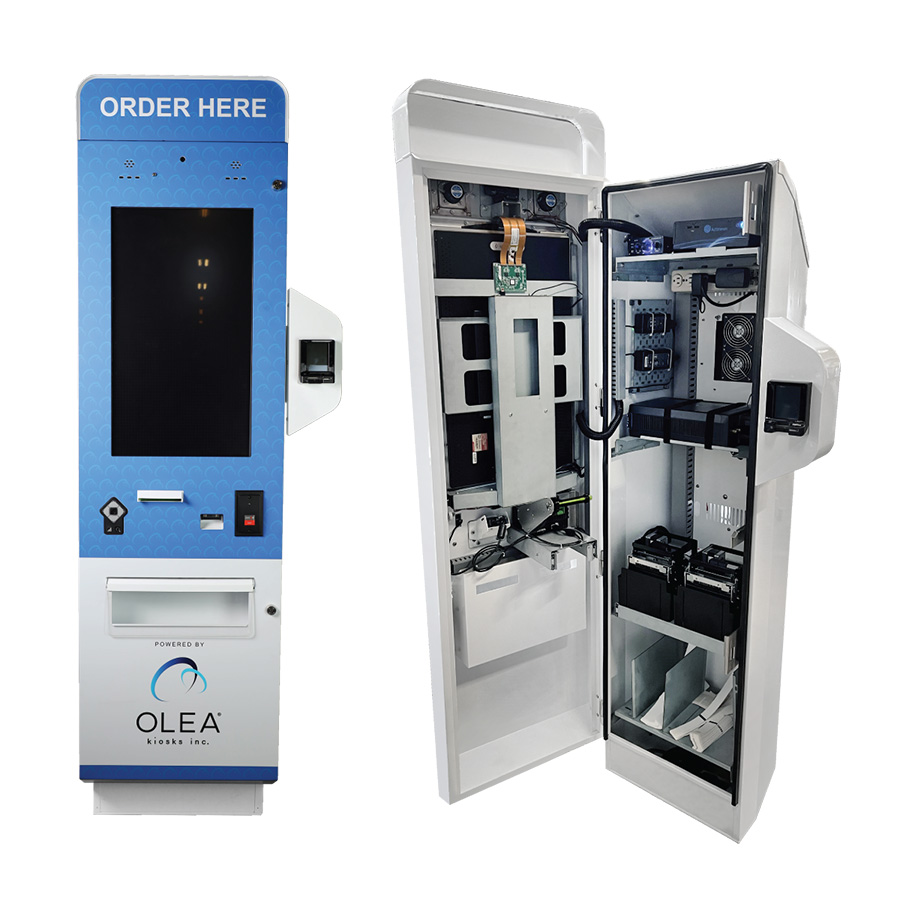
LOS ANGELES, Calif., Nov. 8, 2023 (SEND2PRESS NEWSWIRE) — Olea Kiosks®, a visionary provider of self-service kiosk solutions, announced a redesign of its popular Geneva kiosk as it debuts this new model at the International Association of Amusement Parks and Attractions (IAPPA) in Orlando November 14 to 17, 2023.
Image Caption: Geneva Kiosk–for high volume, upscale hospitality and entertainment.
Olea’s Geneva kiosk was designed for high-volume amusement parks and attractions. It has now been upgraded to provide even more enclosure space for additional peripherals in a modular fashion. The re-design includes improved interior management for power supplies, cabling and networking gear, and adjustable shelves to assist with peripheral placement.
Click for full size image — outdoor kiosk olea
“Despite the popularity of the Geneva kiosk, we decided we could deliver even greater kiosk value with a redesign. Customers love the aesthetics, and we didn’t want to change that part, but we wanted to make the peripheral cavity more flexible and convenient,” explained Frank Olea, CEO.
“When we originally introduced Geneva, we designed an Indoor and Outdoor product that are essentially the same and we’ve been able to maintain that consistency. Adjusting the angles allowed us to deliver more enclosure space for more devices like printers, or even bill and coin acceptors or recyclers. With an improved locking system, we’ve also added an extra layer of protection against vandalism,” added Olea.
The new Geneva Kiosk will be at the International Association of Amusement Parks and Attractions (IAPPA) in Orlando, November 14 to 17, 2023 in the Kiosk Manufacturer Association Booth 6137.
Olea will also have various kiosk models throughout IAPPA in the following booths:
Olea Kiosks® Inc., is a self-service kiosk solution provider for government, healthcare, hospitality, travel, and entertainment. Its technologically advanced, in-house manufacturing, design, and innovation have made it an industry leader. Headquartered in Los Angeles, California, customers include Connect&Go, Accesso, Kennedy Space Center, Universal Studios, Subway and CLEAR. Olea Kiosks can be found wherever high-volume authentications and transactions are required, including 50+ major airports, amusement parks and premier stadiums across all 5 major US sports leagues.
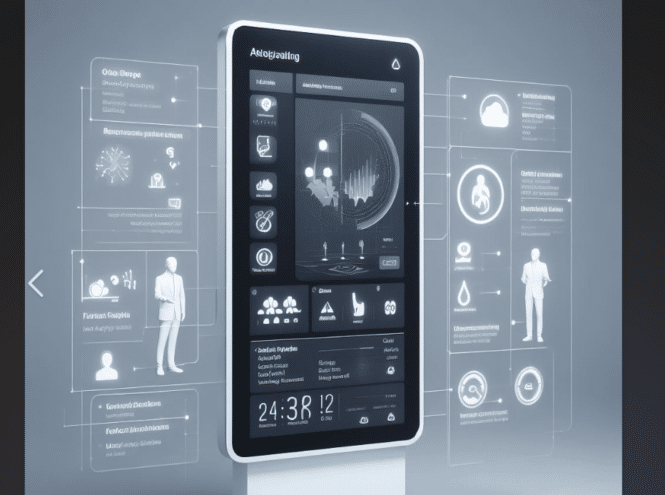
Monitoring your kiosks and digital signage players ensures they operate smoothly and effectively. Proactive monitoring can identify and resolve issues before they impact customer experience and brand reputation. It helps to:
Prevent Downtime: Detect hardware malfunctions, software glitches, and network connectivity issues promptly to minimize downtime and keep your kiosks and digital signage operational.
Maintain Content Relevance: Ensure content is up-to-date, engaging, and relevant to the target audience. Monitor content performance and user engagement to refine messaging and improve effectiveness.
Gather User Insights: Track user interactions, gather feedback, and analyze usage patterns to gain valuable insights into customer behavior and preferences. Use this data to optimize content, improve kiosk usability, and enhance customer satisfaction.
Enhance Security: Monitor for unauthorized access, malware infections, and security vulnerabilities to safeguard sensitive data and maintain the integrity of your kiosk network.
Optimize Resource Allocation: Identify underutilized or overutilized kiosks to optimize resource allocation and ensure kiosks are positioned to maximize their impact.
Elo is excited to announce the biggest update yet to our SaaS device management platform Elo has always been at the forefront of #innovation, and with the release of EloView 4, we’re taking it to the next level.
What’s New in EloView 4?
* A completely redesigned backend infrastructure for unmatched scalability.
* A refreshed user interface for improved usability and a sleek, modern look.
* Increased device per account management capabilities.
* Expanded content size limits up to 2GB and enhanced bulk operations.
* A tripled improvement in search and latency performance.
* New ‘tags’ feature for easy categorization and tracking.
* Content preview functions, enhanced device filtering, and advanced content scheduling.
* Upcoming advanced device health metrics and diagnostic tools.
EloView Video
Elo EssentialEdge Integration
EloView is integral to Elo EssentialEdge for Android, which provides an extensive toolkit for enterprise customers. This includes user-friendly development kits, lifecycle management, security, and OS 360 for the latest updates and enhancements.
Seamless Hardware Integration
Our range of Android-based devices, including EloPOS, I-Series, and the Backpack, is designed to integrate flawlessly with EloView for a streamlined experience.
Three Tailored Versions
Choose from Core, Connect, and Control, each offering unique features from automated deployments to advanced security protocols.
Ready for Any Scale
From stadiums with hundreds of POS systems to extensive restaurant chains, EloView simplifies device management, no matter the size.
Explore how EloView can transform your operations and bring a new level of efficiency to your network.
November 6, 2023 – San Francisco – SapientX <https://www.voiceorder.net>, a leading supplier of AI-powered, talking characters for digital signage, today announced the first digital characters, using GPT-4, for use in resort hotel wayfinding, concierge services and food & drink ordering. The life-sized “Wynnie” character will be shown at the upcoming IAAPA conference in Orlando November 14-17 running on an Actineon workstation and an ImageHolders kiosk. A video of Winnie can be found here. SapientX CEO, David Colleen observed that “Increasingly, hotels are facing staff shortages and turning to us to supply conversational characters that can perform basic tasks, such as checking in guests, giving directions and taking food orders.”.
Wynnie conversational characters for resort hotels
ImageHOLDERS VP of Sales for North America Pete Thompson commented, “We are really delighted to be collaborating with SapientX and Actineon. The combination of customer-led design, state-of-the-art hardware, and the incredible potential of conversational AI is a winning formula that is going to revolutionize the way users can interact with technology creating better user experiences and great opportunities to increase revenue for the businesses that adopt this technology.”.
SapientX will be showing at booth #4350 at the Orlando Convention Center. We invite attendees to stop by our booth to try our characters and meet our team of experts in conversational AI. Tickets can be found here. Use code U410774K. We look forward to seeing you there!
About SapientX
SapientX is an advanced, conversational AI (artificial intelligence) software platform made to give a voice and intelligence to brand ambassadors in digital signs. It focuses on natural voice to voice conversation with; emotion comprehension and response, context awareness, learning, and an expressive, 3D avatar interface. SapientX runs with or without an internet connection making it user data friendly.
Actineon, headquartered in Silicon Valley, is a market leader in high-performance, custom and semi-custom edge computers, industrial kiosk computers, edge workstations and edge gateways. Actineon can offer full stack design and development services, global sourcing, and a world-class supply chain. They offer solutions integrating the latest A.I., computer vision, sensing and SapientX conversational A.I.. Actineon Website – https://www.actineon.com
About imageHOLDERS
ImageHOLDERS are a customer-led kiosk and self-service terminal manufacturer. We help our clients to define a specification for success. Our modular product range means we can rapidly create unique solutions. We focus on the integration of the latest device technology and our products can be specified around the software solution and the user journey of every client. Our mission is to solve the self-service challenges of organizations around the world with innovative design and exemplary service. All trademarks and registered trademarks previously cited are hereby recognized and acknowledged. For more SAPIENTX information, please contact Patti Guard at [email protected]. For more information on Actineon, please contact, Paul Miyoshi [email protected]. For more information on imageHOLDERS, please contact, Pete Thompson [email protected].
October 26th 10am – The courts find for ACB in suit against Quest. The case involved injunctive relief. So, that means an order telling quest to fix it and attorney fees for the plaintiff. We are checking with ACB to make sure we are identifying the correct unit (aka unit violating ADA). As for an appeal, it would go to the Ninth Circuit, which tends to be more on the side of persons with disabilities than not. We imagine there could be post verdict motions. As far as cost goes, plaintiffs would be entitled to their attorney fees and the defendant would of course have to pay their own attorney fees as well. A relevant blog entry is here. Just What Is a Sales Establishment Anyway per Title III of the ADA?
Thanks to Bill for alerting us. He is a great and recommended resource. William D. Goren, Esq., J.D., LL.M., Attorney and Consultant, Americans with Disabilities Act (ADA),https://www.understandingtheada.com/. Also thanks Joe Sawicki at KIOSK for the Labcorp photo. Appears to be same model Quest is using and likely the same number of installations (2500?)
Update 11/15 Initial Look
Latest Events
11/16 — November 13, 2023, Julian Vargas et al v. Quest Diagnostics Clinical Laboratories, Inc. et al, USCA Notification of Case Number, NOTIFICATION from Ninth Circuit Court of Appeals of case number assigned and briefing schedule. Appeal Docket No. 23-3436 assigned to Notice of Appeal to 9th Circuit Court of Appeals, 389 as to 23-3436 American Council of the Blind, Julian Vargas. (mat)
11/9 – Both plaintiff and defendants unhappy with lower court ruling and each are appealing. November 09, 2023 Julian Vargas et al v. Quest Diagnostics Clinical Laboratories, Inc. et al Appeal to 9th Circuit Court of Appeals NOTICE OF APPEAL to the 9th Circuit Court of Appeals filed by Plaintiffs American Council of the Blind, Julian Vargas. Appeal of Judgment,, 378 , Order on Motion to Certify Class Action,,, 190 . (Appeal Fee – $505 Fee Paid, Receipt No. ACACDC-36386305.) (Miller, Jonathan) — thanks to https://www.understandingtheada.com/
Our Predictions
Our understanding would be that attorney fees and any remediation would likely get put on hold while it is appealed. Certainly, you would expect the defense to ask for a stay until the appeal is resolved.
QD contemplating $6M remediation + attorney fees. They may have delayed that outcome via the suggestion they might have to fix it now, and then 2 months later have a whole new “fix list” to do via U.S. Access Board regs in December.
Another look at Labcorp. Click for full size. Thanks to Joe Sawicki at KIOSK for sending this photo in. https://www.linkedin.com/in/joe-sawicki-2b570642/
Several points regarding attended, un-attended, usually not attended and more
iPad includes a screen reader software but just the one dataport which proves critical
Not sure what QD does when they have to replace the iPads a year from now
Injunctive Relief Requested — Plaintiffs seek a permanent injunction requiring Quest to modify the Kiosks to include (a) screen reader capability, (b) screen magnification capability, (c) tactile controls, (d) speech output privately available through headphones, (e) volume control, (f) the ability to repeat speech, and (g) Braille instructions indicating how to start speech.
Dr. Montgomery recommends a tactile keypad that could be 6attached to the iPad using an adaptor. Montgomery Decl. ¶ 62. The particular model discussed by Dr. Montgomery costs $309.75 per unit, and has both tactile navigation keys and an external headphone jack. Id. Dr. Montgomery indicates that a device like this could lower maintenance costs, because an external headphone jack would be easier to replace than the iPad’s internal headphone jack.
Quest identified several potential logistical obstacles to Dr. Montgomery’s recommendations. For example, Dr. Montgomery testified that a hole could be manually drilled into the existing enclosure to allow for access to the iPad’s headphone jack. Day 3 Tr. at 118:1–3. But Walsh testified that doing so would void Quest’s warranty for the product. Day 4 Tr. at 57:20–24. Walsh also testified that adding a keyboard and potentially headphones would necessarily add new, breakable parts, which, unlike the iPad, would not be securely housed in an enclosure. Walsh Decl. ¶ 7(a). Moreover, the existing Kiosks have only one data port, and Quest needs that port to attach the camera needed to scan insurance cards. Id. at ¶ 7(b). Quest does not expect to be able to continue to use the internal headphone jack because of its understanding that both Apple and Android expect to phase out their headphone jacks over time.
Finally, Quest emphasizes the high administrative burden of installing new physical equipment to the Kiosks. This would require training technicians in the installation and use of the equipment, and would necessitate new training for PSC staff. Walsh Decl. ¶ 7(d). Because the rollout would take years to effectuate, Quest staff would be required to monitor and maintain two parallel systems until the rollout was completed. Id. at ¶ 7(f) Quest would have to rewrite its software as well as update hardware.
Instead, “[p]public accommodations must start by considering how their facilities are used by non-disabled guests and then take reasonable steps to provide disabled guests with a like experience.” Baughman v. Walt Disney World Co.
There is no dispute that Vargas and the Class could not use the Original Kiosks at the Quest PSCs without assistance. Phlebotomist assistance—which Quest contends was the “auxiliary service” offered to make the Original Kiosks accessible—was not readily available to Class Members to enable them to have an experience like that of sighted patients. It is undisputed that Quest generally does not have a receptionist or attendant in the waiting room. See, e.g., Trial Ex. 13 (acknowledging that having a person available to ask for help was “not a reality for our locations”)
Making the changes requested by Plaintiffs would require Quest to forgo certain changes it has or intends to make to the Kiosks, because Quest wishes to use the single headphone jack in the existing Kiosks to connect a device that can be used to scan insurance cards. Indeed, Quest already does use the headphone jack for that purpose at many of its PSCs. Moreover, the changes requested would require Quest to reprogram its Kiosks and to revamp the physical Kiosks at each of its locations. Finally, although Quest does not emphasize this factor, DOJ’s ANPRM indicates that regulations that would require modifications similar to those requested by Plaintiffs are forthcoming from DOJ. As a practical matter, if the Court ordered the modifications sought by Plaintiffs, Quest may be required to revamp its Kiosks twice: first to comply with this Court’s injunction, and then a second time, to comply with the DOJ’s regulations.
Forthcoming Regulations
The Department of Justice (“DOJ”) has issued an Advance Notice of Proposed 6Rulemaking (“ANPRM”) seeking comments on a proposal to promulgate regulations regarding accessibility of self-service kiosks. See Self-Service Transaction Machines and Self-Service Kiosks, 87 Fed. Reg. 57662 (proposed Sep. 7, 2022). In the ANPRM, the DOJ indicates that it intends to supplement the existing ADA Guidelines to require self-service kiosks to meet requirements currently applicable only to ATMs and fare machines. Id. at 57663. DOJ indicates that it will evaluate a number of potential questions, including what kiosks the new rule should cover, what technical requirements should be
incorporated, and how many accessible kiosks a location should be required to provide.
click for full size – labcorp kiosk
ALEXANDRIA, Va., Oct. 25, 2023 /PRNewswire/ — Following a week-long bench trial in Los Angeles, a federal court in California found Quest Diagnostics in violation of the Americans with Disabilities Act and permanently enjoined Quest from continuing to violate the ADA.
Beginning in 2016, Quest Diagnostics began to install self-service kiosks at its Patient Service Centers, which allow patients to, among other things, check in for phlebotomy appointments in a private and independent manner. Following complaints from ACB’s members that these kiosks as designed prevent people who are blind from accessing their services, ACB joined a civil rights complaint in federal court alleging that Quest’s kiosks deprived members of the blind community full and equal enjoyment of Quest’s services and failed to provide effective communication.
The Court ruled in favor of ACB and a nationwide class of blind and low-vision Quest patients. The court found that Quest violated Title III of the ADA in that Quest failed to provide people who are blind with full and equal enjoyment of Quest’s services and facilities because of their disability.
“Self-service kiosks are being used more and more in many aspects of daily public life,” said Dan Spoone, Executive Director for the American Council of the Blind. The Court’s decision that Quest violated the ADA and that the check-in services of these kiosks must be accessible to people who are blind is a significant step towards ensuring that the rights to full and equal enjoyment and effective communication are protected.
Deb Cook Lewis, ACB’s president, added, “Although the ADA is more than 30 years old, people who are blind are still forced to fight for full and equal access to healthcare. This judgment sends a clear message that full and equal enjoyment is required by law, and health care providers must ensure access for people with disabilities.”
quest kiosk
This litigation has been led by ACB’s counsel at Nye Sterling Hale Miller and Sweet and at Handley Farah & Anderson.
Matthew Handley, one of ACB’s attorneys in the litigation, added, “Touchscreen kiosks are an ever-increasing aspect of our daily lives – this decision ensures that accessibility of those kiosks will need to be front and center in the minds of every company wishing to make use of self-service technology.”
About the American Council of the Blind
The American Council of the Blind is a national member-driven consumer organization representing Americans who are blind and visually impaired. During the organization’s 60-year history, ACB has become a leader in national, state, local, and even international advocacy efforts. With 66 affiliates, ACB strives to increase independence, security, equality of opportunity, and to improve the quality of life for all people who are blind and visually impaired. For more information, visit ACB’s website.
About Handley Farah & Anderson
Handley Farah & Anderson are lawyers who seek to improve the world. Based in Washington, D.C., they fight for: workers deprived of wages, consumers deceived about products, tenants denied access to housing, parents deprived of adequate parental leave, persons with disabilities denied access, and women and communities of color subject to discrimination.
SOURCE American Council of the Blind
More Background
ID Card Scanning
Always a pain here is a video on how Acuant used in Quest kiosk
Quest Diagnostics Streamlines Patient Check-in with Aila’s Interactive Kiosk
Quest Diagnostics selected Aila’s Interactive Kiosk as a rugged, adaptable self-service platform to create its next-generation patient check-in experience. Aila’s expertise in patient check-in for enterprise healthcare providers gave Quest the confidence that Aila could provide the technology and support to deploy a major new experience in its patient service centers. “Aila was a known solution that would work for us,” said Congersky, “this helped us avoid a lengthy product exploration process.”
The Interactive Kiosk was able to save phlebotomists’ time by automating a range of customer experiences that previously required face-to-face interaction:
ID and insurance card scanning
Smartphone scanning for pre-registered patients
Digital check-in and wait list queuing
The Interactive Kiosk also provided a platform that was adaptable for Quest’s evolving check-in experience. This includes, a way for patients to check in for someone else, such as a child or parent, schedule service times on-site, and give patients the option to wait in their vehicle after checking in where they’ll receive a text message when it’s their turn.
In combination with Aila’s Interactive Kiosk and floor stand, Quest further improved the check-in experience by developing a welcome center that also included wall-mounted Interactive Kiosks. This helps guide patients to the self-service center and provides a welcoming environment to check in. Having a range of mounting options to choose from further illustrates Aila’s ability to enable ideal solutions across thousands of locations with differing layouts.
Booth 5727— Show floor is Nov 19-22 — Orlando Florida. Here is the main IAAPA website. In 2024, for our IAAPA kiosk show, we will have four member companies featured. Here is the registration link, and highly recommended to download the app for your phone. This year, the show information will be more robust on the phones in the app than on the usual exhibitor portal desktop page.
Free IAAPA Pass use Code: P411124M we can get more when they run out this week.
NOTE ON PASSES — Big rush on passes and IAAPA is in process of reallocating to us. It might be 24 hours from now (11/15 1:00pm) but there will be free pass code same as what is here.
Pyramid Computer — will be showing a couple of self-order and ticketing examples. Pyramid Computer was recently named THE kiosk provider for Six Flags
A letter on Six Flags letterhead dated June 27, 2024, commends Pyramid North America Inc. for revolutionizing business operations through innovative technology solutions. Signed by Omar Jacques Omran, CTO of Six Flags.
A McDonalds counterless kiosk offers a side and drink for $2.90 with your Sausage & Egg McMuffin purchase. Alternatively, get just the item for $3.99 at 480 calories. Conveniently finalize your choices using the card reader below the touch screen.
Image of a promotional flyer for REDYREFs CASH-TO-CARD Kiosks, including IAAPA kiosks. Features a kiosk machine highlighting benefits like cost reduction, secure technology, and reduced staff costs. Contact information and logos are prominently displayed at the top.
In a bustling arena, a man utilizes an IAAPA kiosk to convert cash to card. The vibrant backdrop features a buzzing food concession stand and digital menu displays illuminated under stadium lighting.
A sleek, black Cash to Card kiosk, akin to those showcased at IAAPA expos, features a touchscreen for purchasing non-reloadable cards and checking balances. The machine includes slots for cash insertion and card dispensing—perfect for modern venues.
Red hexagon with the word acquire in lowercase white letters at the center, subtly highlighting the trusted expertise of Acquire Digital. A small white hexagon appears near the top right corner, and a registered trademark symbol sits at the bottom right.
Kiosk Industry and the Kiosk Association are at the upcoming IAAPA show in Orlando. Booth# 6137. Ticketing and outdoor are major segments there; historically, it has always been “a very good show”. Be sure and stop by #4350 as well for nice demos on AI Avatars for Wayfinding from SapientX, ImageHolders and Actineon.
Free passes are down below.
This year IAAPA (or IAPPA as some call it) is SOLD-OUT and they’ve opened the parking lot to spillover wanna-exhibit folks (at a third of the regular rate. The month after IAAPA is the big digital signage show event DSE in Vegas and many of our members will be there.
November 14 thru 17th and we have free passes for it if you want to go. See below for Invite Code
IAAPA does have “IAAPA Celebrates” night Thursday night 7-1030 at SeaWorld. Free food, drinks and rides. Bus transportation to and from the hotels. Register for free Expo pass via us and you’ll have member price of $199 instead of $399.
Immerse yourself in an extraordinary night of mesmerizing marine life, thrilling rides, and captivating attractions at SeaWorld, Orlando during IAAPA Celebrates. This exclusive, limited-capacity event is the perfect finale to a week filled with new connections, renewed enthusiasm, and unforgettable moments. Join fellow IAAPA Expo attendees in this unforgettable event!
About IAAPA
AAPA Expo is the premier global event for the attractions industry, bringing together passionate professionals from around the world to shape the future of creating unforgettable guest experiences. The trade show is held annually in November at the Orange County Convention Center in Orlando, Florida.
In 2023, IAAPA Expo will be held from November 14-17. The trade show floor will feature over 1,000 exhibitors from around the world showcasing the latest products and services for the attractions industry. There will also be a variety of educational sessions, networking opportunities, and special events.
IAAPA Metrics
Attendance: Over 50,000 attendees from over 100 countries
Exhibitors: Over 1,000 exhibitors from around the world
Educational sessions: Over 200 educational sessions led by industry experts
Networking opportunities: Over 100 networking events
Special events: The IAAPA Brass Ring Awards Gala, the IAAPA Attractions Expo Awards, and more
The following are the pavilions included:
Family Entertainment
First-Time Exhibitors
Food and Beverage
Games and Arcade
Inflatables
Operations Services
Rides & Equipment
Show Production & Design
Water Park
What You Can Expect to See in Our Booth This Year
Kiosk Software for dispensing wristbands by KioWare
In the 17th annual Global Powers of Retailing report, produced by Deloitte Touche Tohmatsu Limited in conjunction with STORES Media, RFID technology is mentioned as an existing technology with vast potential to improve the retail experience.
The report states, “We have long since expected RFID to replace price tags and shipping labels with a single permanent and invisible identifier.” Unit cost is the primary reason for the lack of adoption but the potential cost savings and added value should outweigh that initial output.
Some benefits (from the report):
An RFID can act as a permanent security tag for the product.
It can also be a web address for any product information; a virtual label, assembly instructions, reviews, repair, replacement, recycling, etc.
While the benefits of RFID (according to the DTTL report), also include cost savings and improved tracking as well as inventory leveraging, the added capabilities of RFID reach far beyond what RFID can add to the customer experience.
RFID Kiosks?
When looking at the benefits to customers, RFID can allow for quick website lookup and automated transactions without the need for a staffed checkout option. Kiosk software can be used to integrate and incorporate RFID technologies with customer-facing self-service kiosks, allowing customers to use RFID technology to look up products on a website, purchase items, and locate product add-ons/parts. The potential for RFID (and the RFID kiosk) is extensive and kiosks will certainly assist in maximizing the ROI on that initial investment.
RFID for Kiosk Access
RFID and smartphone-based mobile credentialing systems using Bluetooth® Low Energy (BLE) or Near-Field Communication (NFC) improve kiosk convenience and security by providing frictionless access for authorized users.
An RFID reader is integrated with the kiosk user interface.
Customers, employees or tenants use an RFID card (typically the same ID card they use within the same ecosystem, be it a campus environment, a manufacturing environment or a retailer) or smartphone to authenticate themselves when they approach the kiosk.
The RFID reader sends information to a software system that unlocks the kiosk selection that the user is authorized to access. Any selections that the user is not authorized to access remain non-operational.
The Benefits of RFID for Kiosk Access
RFID provides a number of benefits for end-users, kiosk manufacturers and the organizations that deploy the kiosks.
RFID builds on existing network security infrastructure, such as an employee ID, tenant access card or a smartphone.
RFID provides simple, fast and convenient access to the kiosk selection for authorized consumers, employees or tenants—all they have to do is wave their ID card or smartphone in front of the reader.
RFID technologies enable unique user identification, which is critical for most kiosk applications. With a unique user ID and a connection to back-end systems, the kiosk can track exactly who has accessed the kiosk, how often and at what times, and exactly what goods or services they accessed.
Real-time inventory tracking and buyer preferences can be easily tracked, and this data can be used to increase the effectiveness of the supply chain or targeted marketing campaigns.
This data can be sent to a centralized system for billing, inventory management and cost control. RFID technologies are also programmable to enable customized access levels, such as a temporary wristband that only works for the day it is issued or a locker that resets itself for a new user after a user has retrieved its contents.
Cards and tokens can be instantly shut down if lost or stolen; the unique identifier on the old card or token is simply disabled, and the user is issued a new card with a new identifier that is connected to their existing accounts. This is an important security consideration. End users usually realize they have lost their card or token quickly, while it may not be immediately obvious if someone’s password or PIN has been compromised.
Kiosk Printers and the Features and Benefits of Thermal Receipt Printers for POS
Introduction
Kiosk printers are a type of printer that is specifically designed for use in kiosks. They are typically compact and durable, and they offer a variety of features that make them ideal for use in self-service applications.
Thermal receipt printers are a popular type of kiosk printer. They use heat to print on specially coated paper, which produces high-quality prints that are quick-drying and water-resistant. Thermal receipt printers are also relatively inexpensive and easy to maintain.
Benefits of Using Thermal Receipt Printers for POS
There are a number of benefits to using thermal receipt printers for POS, including:
Speed: Thermal receipt printers are very fast, with print speeds of up to 250mm/second. This is important for POS applications, where customers expect to receive their receipts quickly.
Reliability: Thermal receipt printers are very reliable, with few moving parts. This makes them ideal for use in high-volume environments.
Cost-effectiveness: Thermal receipt printers are relatively inexpensive to purchase and maintain. They also do not require ink or toner, which reduces operating costs.
Versatility: Thermal receipt printers can be used to print a variety of documents, including receipts, tickets, and labels. This makes them suitable for a wide range of POS applications.
Features to Look for in a Kiosk Printer
When choosing a kiosk printer, there are a number of features to consider, including:
Print speed: Choose a printer with a print speed that is fast enough to meet your needs.
Print quality: Consider the print quality that you require. Thermal receipt printers offer a variety of print resolutions, so choose a printer that produces the quality of print that you need.
Paper capacity: Consider the amount of paper that you need to be able to print. Thermal receipt printers typically have a paper capacity of 50-100mm roll.
Interfaces: Make sure that the printer you choose has the interfaces that you need to connect it to your POS system. Most kiosk printers offer USB and Ethernet interfaces, but some also offer Bluetooth and Wi-Fi interfaces.
Durability: Choose a printer that is durable and can withstand the wear and tear of a kiosk environment.
Thermal receipt printers are a popular choice for POS kiosks because they offer a number of benefits, including speed, reliability, cost-effectiveness, and versatility. When choosing a kiosk printer, be sure to consider the features that are important to you, such as print speed, print quality, paper capacity, interfaces, and durability.
Card Printers
Sure. Card printers for PVC cards are specialized printers that use heat or pressure to transfer ink or dye onto PVC cards. PVC cards are durable and water-resistant, making them ideal for use as ID cards, membership cards, gift cards, and more.
There are two main types of card printers: direct-to-card (DTC) printers and retransfer printers. DTC printers print directly onto the surface of the PVC card, while retransfer printers print onto a transfer film, which is then applied to the PVC card.
DTC printers are less expensive than retransfer printers, but they produce prints that are not as durable or high-quality. Retransfer printers produce more durable and high-quality prints, but they are more expensive and slower than DTC printers.
Here are some of the features and benefits of card printers for PVC cards:
Durability: PVC cards are durable and water-resistant, making them ideal for use in a variety of applications.
Security: PVC cards can be printed with security features such as holograms, watermarks, and microprinting, making them difficult to counterfeit.
Versatility: PVC cards can be used for a variety of purposes, including ID cards, membership cards, gift cards, and more.
Ease of use: Card printers are relatively easy to use, even for people with no prior experience.
Card printers for PVC cards are used in a variety of industries, including:
Education: PVC cards are used as student ID cards, library cards, and meal cards.
Healthcare: PVC cards are used as patient ID cards, insurance cards, and prescription cards.
Business: PVC cards are used as employee ID cards, membership cards, and gift cards.
Government: PVC cards are used as driver’s licenses, passports, and social security cards.
If you are looking for a durable and versatile way to print ID cards, membership cards, gift cards, or other types of cards, a card printer for PVC cards is a great option.
Here are some additional tips for choosing a card printer for PVC cards:
Consider the volume of cards that you need to print. If you only need to print a small number of cards, a less expensive DTC printer may be sufficient. If you need to print a large number of cards, a more expensive retransfer printer may be a better option.
Consider the features that you need. Do you need a printer that can print security features? Do you need a printer that can print on both sides of the card?
Consider your budget. Card printers can range in price from a few hundred dollars to several thousand dollars. Choose a printer that fits your budget and meets your needs.
As they continue to deliver services across a wide range of venues, it’s important to understand the nuances and challenges surrounding outdoor kiosks.
Dive in as we explore what you need to validate to ensure your outdoor kiosk is effective, resilient, and user-friendly.
Outdoor kiosks should be able to function effectively in both high and low temperatures.
Outdoor lighting can vary significantly, so the kiosk’s screen should be equipped with high brightness and contrast ratios to ensure it is visible in direct sunlight.
While researching outdoor self-service kiosks and the vendors that provide them, it’s also a good idea to consider the specific requirements and challenges of your location, purpose of the kiosk, up-time, and how the kiosks fit into your overall service strategy.
Olea has designed several custom outdoor kiosks in a variety of styles for several high-volume venues.
Kennedy Space Center was looking for a completely unique and custom kiosk design as they wanted to retrofit their box office windows with kiosks.
When buying an outdoor kiosk, there are several factors to consider. Here are some of the most important ones:
Durability: Outdoor kiosks must withstand harsh weather conditions from heat to cold, so it’s important to choose a kiosk that is built to last. This includes features like waterproofing, UV protection, and rugged construction materials. Does it have an UL rating or IP rating
Security: Since outdoor kiosks are often located in public areas, it’s important to consider the security of the kiosk and the data it stores. Look for features like physical locks, service access, encryption, password protection, and remote monitoring capabilities.
Functionality: Consider the intended use of the kiosk and choose one that has the necessary features and capabilities. For example, if the kiosk will be used for ticket sales, it should have a payment system and a ticket printer. Ticket stock is different than receipt stock
Cost: Outdoor kiosks can range in price from a few thousand dollars to tens of thousands of dollars, depending on the features and capabilities. Be sure to choose a kiosk that fits your budget and provides the necessary functionality
Expert guidance: Outdoor kiosks are complex systems, so work with a vendor who has demonstrated experience in designing and deploying them. Look for a vendor who will provide guidance on the best kiosk for your needs and who can assist with installation and maintenance
Test your kiosk for accessibility with several different “personas” from partial blind to partial deaf. Design for accessibility from the start!
Couple of outdoor kiosks to be shown at upcoming IAAPA show
Freedom Scientific, a Vispero® brand, is pleased to announce the release of the 2024 versions of JAWS, ZoomText, and Fusion! Check out the What’s New pages and download the latest version for all the new features and improvements.
TDS TOUCH Embedded Industrial Touchscreen Monitor with Resistive Touchscreen
After two years of research and developments, TDS TOUCH breaks through the limitations of traditional resistive technology, proudly introduces its new series TDS37, an embedded touchscreen monitor designed for industrial application, which innovatively integrated the resistive touchscreen into the flat front frame structure. It is an ideal solution for customers who have high requirement for touch accuracy with flat appearance need,Suitable for applications in complex environments. Email [email protected] for pricing. Available now.
Resistive touch technology is a type of touch-controlled device that is made of two or more transparent layers comprised of electrically resistive material that face each other. There’s a layer of air or gas separating these two layers. As a result, touching the interface presses the layers so that one layer senses the voltage of the other layer. Here are some advantages of resistive touchscreens:
Resistive touchscreens offer an unparalleled level of durability. Manufacturing companies, restaurants and retailers often prefer them over other types of touchscreens for this very reason. With their durable construction, resistive touchscreens can withstand moisture and stress without succumbing to damage
You can control a resistive touchscreen using a stylus or while wearing gloves. Most capacitive touchscreens only register commands performed with a bare finger (or a special capacitive stylus). If you use a stylus or a gloved finger to tap the interface, the capacitive touchscreen won’t respond to your command. Resistive touchscreens register and respond to all forms of input, though. You can control them with a bare finger, a gloved finger, a stylus or pretty much any other object
Resistive touchscreens are highly responsive. Although they require greater pressure to trigger touch commands than capacitive touchscreens, they will respond almost immediately
Resistive touchscreens are widely recognized for their fast response times
They are simple to interface with mobile phones, tablets etc3
Examples of Resistive touchscreen technology would be the outdoor Redbox DVD Rental units for example.
Click for full size — redbox dvd rental outdoor. Note the old school screen protector. I sure hope that isn’t a swipe reader!
Datacap Wins PayTech Women Corporate Champion – Small Business Award
Click for full size — Payment kiosk award Datacap
Chalfont, PA – Datacap Systems Inc., a leading hardware and processor-agnostic omnichannel payments provider, has won the PayTech Women Corporate Champion – Small Business Award. The Small Business Award is given to an organization that embodies the PayTech Women mission by developing an internal program that supports enhancing women’s careers in the workplace. PayTech Women, formerly WNet, celebrates and champions women in the payments and fintech industries. Nominees and winners were announced at the annual fall Leadership Summit on October 3 in Atlanta, GA.
“We are delighted and humbled to receive the PayTech Women Corporate Champion – Small Business Award. This recognition drives us to further support, mentor, and uplift women in our organization. I appreciate being part of a team that is willing to invest in PayTech Women values and empowering their employees.,” said Darcie McNamara, Strategic Partnership Specialist at Datacap Systems.
To win the Small Business Award, the winning company had to demonstrate how their internal programming helped to support women in advancing their careers. Datacap’s internal program and onboarding offers employees PayTech Women membership registration and encourages participation in PayTech Women-led monthly webinars and attendance at the annual PayTech Women Leadership Summit. Datacap believes that empowering women is not just a corporate responsibility, but a vital component of our success and winning this award reaffirms Datacap’s commitment to fostering diversity and inclusion in the fintech industry.
For a full list of 2023 award winners, visit https://www.paytechwomen.org/page/Awards. If your Point of Sale application isn’t yet integrated to Datacap, contact us to get started today! https://datacapsystems.com/contact-us/
About Datacap Systems
Datacap builds industry-standard payment solutions for Point of Sale providers to meet the needs of merchants in any market. Security-centric solutions for virtually all processing platforms route through dozens of pre-certified devices from leading OEMs – all via a universal payments integration, empowering merchants to create a unified payments experience across brick and mortar, online, mobile and unattended applications. As the only channel-centric and processor-agnostic payments provider in the industry, Datacap is the ideal partner for any POS provider that’s serious about building a solution that will scale to address the needs of virtually any merchant, regardless of market or payment processing platform.
ROCHESTER, N.Y.— October 18, 2023 – Kodak Moments has released a new version of its photo printing software, enabling retailers to offer consumers an expanded set of premium products and grow revenue. Kodak Moments Retail Software version 23.2 delivers 60 new features and upgrades designed to keep retailers on the leading edge of innovation, while making it easier for store clerks to manage and fulfill print orders. The new software is compatible with a wide range of photo printing solutions including Kodak Moments Kiosks, Kodak Moments Self-Service Print Stations, and the Kodak Moments Adaptive Picture Exchange (APEX) dry lab solution.
“Our software is the engine that drives our award-winning photo printing solutions and delivers value to retailers,” said Steve Turberg, Director of Current Retail Solutions for Kodak Moments. “Hundreds of thousands of consumers use Kodak Moments touchpoints each day. We’re committed to keeping our retail partners up to date and ahead of the curve by constantly innovating and finding new ways to improve our software. This is one of the best ways to help retailers grow revenue, meet consumer demand, and deliver a superior experience.”
Kodak Moments Retail Software v23.2 is a feature-rich program that prioritizes ease of use and seamless deployment for retail managers and store clerks. Kodak Moments developers streamlined the system to enhance performance and made other improvements to ensure reliability in the field.
The new software gives retailers greater control over order fulfillment and allows store clerks to modify a print order on the APEX dry lab solution. When a clerk can re-prioritize an order quickly, especially if a consumer is waiting, it’s a win-win for everyone involved. Feedback from retailers on this feature enhancement has been overwhelmingly positive.
Kodak Moments Retail Software v23.2 also offers a power-saving feature that allows retailers to save energy. Thermal printers can now go into “sleep mode” when not in use. This capability is available on Kodak Moments Kiosks, Self-Service Print Stations, and APEX dry lab systems.
New photo products available for in-store creation and same-day fulfillment
With the new software from Kodak Moments, retailers can offer several new premium-quality photo products for same-day delivery. Consumers can design and purchase these personalized products by creating online and printing in store or ordering directly from a Kodak MomentsKiosk or Self-Service Print Station. Store clerks can also print the expanded line of products using the APEX dry lab solution.
The Kodak Moments Custom Cover Journal is a personalized notebook that features the consumer’s favorite photos plus a logo, design, or custom text on a hard cover. It has 100 lined pages that lay flat, which makes it easy to write in.
Retailers now have access to an expanded drinkware module, which gives consumers more Photo Mug colors to choose from. The popular drinkware products are now available in white and four two-tone color options: white with black, pink, red, or blue.
The Coin Bank can be customized with designs that feature consumers’ favorite photos and text. This product is in limited distribution and will be fully rolled out later this year.
A new Direct Transfer feature streamlines photo uploads in-store to make it easier for consumers to connect their phones to kiosks. Now consumers can access the photos they wish to print from their mobile device in three easy-to-understand steps. Unlike traditional tethering, Direct Transfer allows users to quickly print photos stored in Google, Apple and other cloud-based repositories and is the preferred way to connect.
“Our latest version of Kodak Moments Retail Software gives consumers the tools and technology they need to turn their special moments into premium quality photo products,” said Turberg. “We continue to make it easy for consumers to connect, create, order, and print from their phones. And by enabling same-day service, we are helping retailers deepen relationships with their customers for long-term success.”
Additional features are available in version 23.2 as Kodak Moments and retailers prepare for the holiday season.
ABOUT KODAK MOMENTS
Kodak Moments is a leading global provider of photo products and services to retailers, consumers, and entertainment properties. We inspire consumers to bring their memories to life—delivering innovative, high-quality photo products and experiences they find truly meaningful. Powered by over 100,000 consumer touchpoints across 30 countries globally, it’s our mission to be the brand consumers choose to celebrate and preserve life’s memories, from the big events to the everyday moments that matter.
October 28, 2023 — This is an opinion review of Panera by Craig Keefner. Independent consultant and more times wrong than right (but sometimes right!)
I’ve always been a big fan of Panera Bread and in particular Blaine Hurst who led the company for a very long time was CEO. Great service, responsible company and relatively good value pricing. According to the Panera Bread website, their mission and purpose is “One Panera for a Healthier and Happier World”. This motto reflects their commitment to using high-quality ingredients while reducing their environmental impact, providing a welcoming space for guests to gather and break bread, and spreading generosity to communities, the planet, and their customers. Panera Bread – Food as it should be. Panera Bread. Bakers of bread. Fresh from the oven. A symbol of warmth and welcome.
We have always gone to Paneras. My wife has very very few restaurants on her “sure, we can go there”. Paneras is one. Others include Chick-Fil-A and Wendy’s.
I always take my camera phone in case some new technology is being tried. We are north side of Denver in foodie hot spot so we have a choice of anything.
Here is a chronology
We parked. I noticed the three closest pickup spaces. One of which was missing its sign. I thought about parking there but didn’t 🙂
Walked in past the 3 kiosks
Only us at the counter
Noticed pretty messy counter + paper bulletin on lemonade
She took my phone number but unless we use the app the loyalty program or points never work for us. I only use the app to look at the menu when we call in orders for pickup
I ordered and then my wife started her order.
She got halfway thru and then the clerk let us know her NCR terminal was frozen up so we needed to go to different register.
We got my wife order in but then clerk informed us they had no baguettes for the sandwich.
We canceled the sandwich in a bit of frustration
Order total went to $33 and I tipped a dollar.
There were of course 4 customers behind us waiting to order by this time + one at one of the kiosks now.
Little things build up you know….
We looked to see if the fireplace was on (big cold front to Denver) but not yet.
My wife got our order corrected at the window. They had it wrong on the receipt.
She noted we didn’t get a buzzer (you can see them stackup up next to the old POS)
No more delivery like 2.0 — these days you go to a rather tall counter and self-serve pickup. Not sure how people wheelchairs manage that or blind people.
She ended up conversing with the customer who was behind us and each noting a bit disorganized
Food was pretty good though my turkey chili had a bit of crunch to it (beans)
Pretty spendy bowl of chili for $10. Didn’t even get saltines with it…
Bags of chips are super small. We got those instead of baguettes.
Reason for no baguettes? My wife asked the staff and they said the baker had gone home and none left (5:30pm)
We finished eating
I stopped my the counter and asked the clerk nicely if we deserved a treat since our order on our receipt was incorrect (still listed baguette served e.g.). She wavered but then decided to give us a muffin.
We stopped at table for kiosks
In the car my wife commented “not the best experience and they are getting pretty expensive to eat there”.
I wonder if the kiosks knew about the baguette outage.
The kiosk tablets (iPads) are engineered by Lilitab and Adam Aronson. Very good company (if you like using iPads for kiosks that is)
Here are some photos
click for full size – panera kiosk
panera kiosk POS #1
A person in a green apron stands behind a counter with a point-of-sale system, payment terminal, and stack of buzzers, reminiscent of the efficient setup at a Panera Kiosk. A note on the counter is partially visible.
Empty wooden shelves labeled for order pick-up, with pictures of stacked cookies displayed in the upper sections. A Panera kiosk screen is on the right side, displaying order details. The floor is patterned with wood tiles.
A Panera Kiosk at the counter displays a tempting sandwich with a Tap to Order prompt. A sign warns about caffeine consumption, advising moderation and not recommending it for children, sensitive individuals, or pregnant and nursing women.
Conclusions and Thoughts
As a preface Panera Bread is a private company so the usual execs angling for investment gains and bonuses is a bit different.
How in the world is 400mg of caffeine (Red Bull is 80) considered “Healthier and Happier”.
That is the equivalent of six expressos in case you need a reference point.
That borders on serving addiction, not health.
And they do have a somewhat disorganized coffee club for frequent drinkers
NO baguettes. The flagship “mascot” for the chain. Apparently, presumably some “we’ve doing that too” new AI-enhanced inventory systems neglected to update the stock versus usage levels. People like to eat between 5 and 7.
Looks like a mess at the counter with wires, separate haphazard components and stylus. Something from 20 years ago.
Recommendation — Invest in new and more attractive and efficient technology. It’s there, you just have to change vendors and spend the money. Kmart went out of business for failing to upgrade.
ADA — What were they thinking with the squares for pickup? The marketing whiz people decided to go 19th century here aka cheap.
ADA — How high is the kitchen pickup window anyway. I am guessing around 60″
Portions have gotten smaller, prices have gotten higher
Some other data — I am almost 70 as is my wife — According to a 2018 survey by Statista, 19.17% of Americans aged 18-29 years visited Panera Bread in the past three months. Another source, Business Strategy Hub, states that Panera is perfectly positioned to target consumer demographic ranging from 25 to 44 years, which includes millennials who are the drivers of the consumer market.
Interesting Point of View from Panera’s Founder
Excerpt
Oct 24, 2024 from CNBC — Shaich hasn’t been so complimentary to other recent restaurant IPOs. He said at an Axios event earlier in October that salad chain Sweetgreen shouldn’t have gone public until it was profitable, the outlet reported. (Sweetgreen hasn’t reported a profitable quarter yet, but executives said they think the company could break even for the full year.)
Shaich is less transparent about Panera’s possible IPO. Last year, Panera called off a deal with restaurateur Danny Meyer’s special purpose acquisition company to be publicly traded for the first time since JAB bought the chain. Earlier this year, the company announced it’s preparing for an IPO as it unveiled a CEO succession plan.
Typically, when your customers walk into a dressing room to try on a new outfit, they end up bringing an armful of options—different styles, colors, and sizes. What if they could avoid the hassle of searching the racks and having to try on all these choices? With a smart, interactive mirror they can. Powered by AI, a smart mirror solution can be another layer of customer service virtually by coordinating items, different sizes, and colors from real-time inventory. And shoppers can find out if the outfits they want are in stock or available online.
This kind of solution—like the Polytouch Magic Mirror from Pyramid Computer, a full-service hardware solutions provider—is available today. The platform helps retailers offer a unique experience for customer engagement with the benefits of online shopping, combined with the ability to see and touch the items up close and personal.
Personalized Experiences for In-Store Retail Goes Virtual
Case in point is a large sport fashion retailer, which created a smart fitting room using the Polytouch Magic Mirror. The retail chain deployed the solution—a mirror equipped with an HD display, 10-point touchscreen, and antenna for RFID-based item recognition—all powered by a small form factor PC—in its fitting rooms.
smart mirror retail
The solution uses RFID scanning technology rather than a camera, which clearly customers don’t want in their dressing room for privacy reasons.
The scanner senses which items are brought into the space, using the data to suggest coordinating accessories and inform the customer if and where alternate options are available. The seamless link between in-store and online stock information provides an “endless aisle” customer experience. At the same time, it allows the retailer to draw more traffic to their stores, gain new insights, overcome staff shortages, and lower operating costs.
“The #software and #hardware elements must work together to provide this flexibility and fluidity on UI and #UX.” – Anthony Hunckler, @polytouch_de via @insightdottech
The RFID reader communicates with back-end software, providing customers with information—and retailers with valuable data. “The software is the element that gives the final brand engagement with the customer, such as high-quality product pictures and media. The software and hardware elements must work together to provide this flexibility and fluidity on UI and UX,” explains Hunckler.
Retailers that already have RFID systems in place for stock management will find it easy to implement the Magic Mirror. In that case, their back end is ready to add this mirror to scan the product. For maintenance, Pyramid includes a warranty with a high level of service. “If you have a problem, we can switch out the system and display very easily. From that perspective, there’s almost no risk for our partners,” says Hunckler. The solution’s Intel-based PC provides rugged 24/7 dependability, important for deployment in a retail setting.
Insights on Sales, Customer Preferences, and Logistics
Because it interacts with customers and collects data about their choices and preferences, the Magic Mirror solution offers a chance to gain valuable in-store retail insights.
Depending on the software retailers choose or develop, they can gather and analyze in-depth sales data, discern customer preferences, optimize logistics and inventory management, and cross-sell related items. “Analytics are very important for retailers to optimize their stock based on real-time data about customer habits,” says Hunckler. “For example, if you see that 80% of the t-shirts you sell are white, you’ll know that you need more white shirts in stock and fewer of the other colors.”
Using that data, traditional retailers can make accurate predictions about how many items they need to have in stock, when, and where, helping to inform logistical decisions and keep up with demand.
Granular-level insights will help retailers prepare for the rapidly changing future of the brick-and-mortar retail industry. “The retail structure we’ve known in the past is not as relevant today,” says Hunckler. Some customers still arrive at a store to browse, try on clothes, and make decisions in the traditional way—but many others come to a physical store only to pick up items they have pre-ordered online. If retailers can foster a link with their online customers through enhancing shopping experiences available only in-person, like special offers and perks, those customers will perceive value in visiting physical stores, and retail stores can gain brand loyalty.
Noting customers’ individual preferences and needs is a crucial element to success, Hunckler says. “Customers are unique. Some like to have support from a clerk, while others don’t want that attention. Retailers need to concentrate on providing plenty of digital support and personalizing the entire experience.” Edited byGeorganne Benesch, Associate Editorial Director for insight.tech.
About the Author
Jessica Leigh Brown is a writer focused on applications of IoT and emerging technologies in education. As a freelance journalist, her work has appeared in more than a dozen trade and consumer magazines, and she enjoys working with top technology companies to create content such as white papers and case studies.
Smart mirrors are a new technology that is revolutionizing the retail industry. These mirrors are equipped with cameras and sensors that allow customers to try on clothes virtually without having to physically change into them. They are also capable of displaying product information, news headlines, and wayfinding functionality. Smart mirrors are becoming increasingly popular in the fashion industry, as they provide a unique and interactive shopping experience for customers.
One of the main benefits of smart mirrors is that they eliminate the need for customers to visit fitting rooms. Research shows that customers who use a store’s fitting room are seven times more likely to make a purchase than those who don’t 1. By displaying clothing pieces on a person virtually, smart mirrors eliminate the need for customers to go into small, cramped changing rooms. This provides a faster and more convenient shopping experience for customers.
Smart mirrors can also help retailers increase brand visibility and customer engagement. By incorporating augmented reality (AR) technology into their stores, retailers can create an immersive shopping experience that is both fun and informative. AR technology allows customers to interact with products in-store and online, which can lead to increased sales and customer loyalty 1.
In addition to these benefits, smart mirrors can also help retailers reduce costs associated with staffing and inventory management. By automating many common tasks such as check-in, print boarding passes, check bags, and request seating changes, smart mirrors can help reduce wait times and put less strain on airport staff 1.
Overall, smart mirrors are an exciting new technology that is transforming the retail industry. They provide a unique and interactive shopping experience for customers while also helping retailers increase sales and reduce costs.
New member Pyramid Technologies. Here is a summary
Pyramid Technologies: A company that provides bill acceptors and thermal printers for various businesses that need to capture, validate, and accept cash payments.
Personalized service: The company prides itself on offering one-on-one service with highly trained engineers and technicians who provide real-time support and minimize down time.
Reliable and trustworthy products: The company’s products are designed with functionality, sturdiness, and tamper resistance in mind3. They are tested to provide consistent and hassle-free performance.
Sentry Tablet: A new product that allows for easy scanning and authentication of tickets that pair with the company’s PHX printer. It helps prevent counterfeit tickets and incorrect payouts.
Customer testimonials: The document includes several positive feedbacks from customers who praise the company’s products and staff. They say the company has earned their business through its exceptional products and superb staff6.
In 2019, we were honored with an award from Inc. Magazine as one of the fastest-growing companies in America – all thanks to your help and support. We will continue to build, improve, and expand our products and service to better meet your needs.
Will my Pyramid Acceptor validate the new Australia $10 banknote when the bill enters circulation on September 20, 2017? Yes! You will need to have the latest firmware.
Read more…
7 FACTS ABOUT THERMAL PAPER – NUMBER 4 WILL BLOW YOUR MIND
7 Facts About Thermal Paper – Number 4 Will Blow Your Mind
Read more…
NEW API FEATURES ADDED TO C# .NET
Better control over your bill validator
Read more…
PYRAMID NET RS-232 API RELEASED
We have released our official .NET API to help make your application more reliable.
Read more…
THE NEW 10 EURO IS COMING
Will my Pyramid Acceptor validate the new Euro 10 when the bill enters circulation on September 23, 2014? Yes! You will need to have the latest firmware.
Read more…
PYRAMID DEVELOPERS COMMUNITY IS LIVE
We are proud to announce the release of the Pyramid API for our line of bill validators. Run your RS-232 applications and build your own host system in minutes.
REDYREF Unveils Four Innovative Digital Kiosks: Encounter, Escape, Lynx, and Skyline 3.0
The driving force behind self-service kiosk technology is innovation — transforming ordinary user experiences into extraordinary ones. REDYREF, a pioneer in digital kiosk manufacturing, has unveiled its latest high-tech offerings: Encounter, Escape, Lynx, and Skyline 3.0. These four cutting-edge digital kiosks are poised to redefine the landscape of self-service solutions and usher in a new era of convenience, adaptability, and technological excellence. For more info and pricing email [email protected]. See the new Cash-to-Card kiosk at NRF 2024!
Cash-to-Card Kiosk Escape: The Most Versatile Cash-to-Card Solution
Introducing the Escape prepaid card kiosk, a versatile digital solution designed to thrive in any setting, whether indoors or outdoors, while withstanding even the worst weather conditions. This innovative kiosk is particularly well-suited for temporary events, such as carnivals or music festivals, where mobility and rapid setup are paramount. You can even integrate it into mobile trailers for effortless transportation and assembly. Plus, the freestanding Escape is thoughtfully engineered with built-in forklift channels in its base, ensuring effortless relocation from one place to another.
Digital Signage Kiosks – Skyline 3.0: Elevating Interactive Self-Service
The REDYREF Skyline 3.0 digital, interactive kiosk is available in two display sizes: 43″ and 22″, as well as two configurations – wall mount and freestanding. Each kiosk features a clear, easy-to-read portrait-orientation display, and is suitable for both indoor and outdoor environments. This adaptability positions it as the preferred choice for a wide range of locations, including sprawling hospital and business campuses, bustling malls, and vital transportation hubs such as train stations and airports.
Meet Lynx, our cutting-edge interactive outdoor kiosk designed to seamlessly blend live 2-way interaction with essential transactional capabilities, tailored especially for outdoor drive-up and drive-through scenarios. With Lynx, users can effortlessly communicate, place orders, and complete payments without the need to exit their vehicle. Available in two sizes — 22” and 32”, it’s the future of drive-up convenience at your fingertips.
Small Footprint Kiosk – Encounter: Streamlined Transactional Solutions
Encounter is a sleek, free-standing kiosk solution explicitly designed for transactional needs, especially in environments where space is at a premium. While a full range of components can be integrated into the Encounter for any number of purposes, two popular configurations are readily available for ordering, payment and ticketing.
REDYREF’s commitment to innovation and excellence shines through in these four remarkable new digital kiosk models. Says Will Pymm, SVP and Managing Partner of REDYREF, “Our aim is to provide the most advanced kiosk solutions to continue redefining self-service. These new kiosks are a testament to our dedication to meeting the evolving needs of businesses and organizations across a wide range of industries.”
With Encounter, Escape, Lynx, and Skyline 3.0 leading the way, REDYREF continues to set the standard for excellence in the self-service kiosk industry. These kiosks are more than just technology; they represent the future of self-service convenience, adaptability, and innovation.
WESTMINSTER, Colo., Oct. 16, 2023 (SEND2PRESS NEWSWIRE) — Kiosk Industry and Kiosk Manufacturer Association News: Trade Shows — IAAPA is next month and here is our preview. Outdoor ticketing, wristband dispense. In January we are at NRF and are a sponsor of the NRF Foodservice Innovation Zone. We have two full passes to give away for free. HIMSS and NRA after those.
Olea ticket kiosk with Ingenico. This unit will be at our booth at IAAPA #6137
Restaurant News — Samsung with new VXT CMS for AI-powered voice order menu boards going into White Castle. New digital-only Whataburger. Outdoor pickup. Nice case study with Aramark.
ADA — December 2023 brings the new self-service & POS guidelines from the U.S. Access Board. Several notable entries for Braille and screen-readers.
Industry Buzz Around Our Watercooler — Couple of big deployments supposedly planned in restaurants. Charley’s is in progress and it might be Burger King will follow McDonald’s example and put in a thousand or so self-order kiosks. On the SCO front, it appears that Walmart is deploying its own SCO units (with lidar). That also would mean replacing the current software driving registers (Fastlane by NCR?). Our guess is the service people at NCR Bentonville are getting nervous. Costco is being sued for their website allowing all types of user info to be tracked by 3rd parties. Link below.
In recognition of #WorldSightDay, we want to highlight Dot pad, the world’s first tactile graphics display for individuals with visual impairments. This remarkable innovation, powered by our cutting-edge motor control semiconductors, will evolutionize accessibility on a global scale. We invite you to join us in this journey towards greater inclusivity. @dotinc
About the technology in the Braille Tablet
Although there have been many Braille displays, they have typically relied on piezoelectric cells, which made creating a multi-layered display a challenge. Up to this point, Braille displays only have a horizontal version like this.
Braille kiosk – click for full size
So, the Dot Pad is recognized as the first tactile display, which is one of the reasons they received recognition at CES. Also, by using electromagnetic technology instead of ceramic, the cost was reduced by about one-thirds compared to the existing braille cell.
Dot Pad – click for full size
Summary of Dot Inc. Braille tablet Technology
Dot Inc. is a company that specializes in developing and manufacturing innovative braille technology products for individuals with visual impairments. Their mission is to enhance accessibility and empower visually impaired individuals to lead independent and fulfilling lives. Dot Inc. has introduced several groundbreaking products that have revolutionized the way braille is used in everyday life.
One of their notable inventions is the Dot Pad, which is the world’s first tactile braille display. The Dot Pad allows visually impaired individuals to read digital content in braille, making it easier for them to access information on smartphones, tablets, and computers. This device utilizes a grid of small pins that rise and fall to form braille characters, enabling users to read text, navigate menus, and even interact with images and graphics.
Another innovative product from Dot Inc. is the Dot Watch, which is the world’s first fully braille smartwatch. This wearable device features a braille display made up of 24 pins, allowing users to receive notifications, read messages, and even tell the time using braille. The Dot Watch combines style and functionality, providing visually impaired individuals with a fashionable accessory that enhances their daily lives.
Dot Inc. is committed to improving accessibility not only in personal devices but also in public spaces. They have developed barrier-free design solutions that incorporate braille into various environments, such as public transportation, buildings, and signage. These initiatives aim to create inclusive spaces where visually impaired individuals can navigate and interact with their surroundings independently.
The advancements made by Dot Inc. in braille technology have significantly improved the quality of life for visually impaired individuals. By providing innovative products like the Dot Pad and Dot Watch, they have empowered users to access information, communicate, and engage with the world around them more effectively. These technologies have opened up new opportunities for education, employment, and social interaction, enabling visually impaired individuals to overcome barriers and achieve their full potential.
In conclusion, Dot Inc. is a pioneering company in the field of braille technology. Their innovative products, such as the Dot Pad and Dot Watch, have revolutionized the way visually impaired individuals access information and interact with digital devices. Through their commitment to accessibility and inclusivity, Dot Inc. has made significant contributions to improving the lives of people with visual impairments.
White Castle plans to roll out the cutting-edge, interactive menu boards to over 100 drive-thru lanes
Samsung Electronics America, Inc., and SoundHound AI, Inc. (Nasdaq: SOUN), a global leader in voice artificial intelligence (AI), today announced that they will be working together with White Castle, America’s first fast-food hamburger chain, to deploy next-generation, voice-enabled outdoor digital signage technologies that will revolutionize the way that brands interact with consumers.
The ground-breaking collaboration will provide voice AI-enabled dynamic drive-thru menu boards to White Castle restaurant locations. The display technology combines Samsung’s MagicINFO™ digital signage software and SoundHound’s sophisticated proprietary speech recognition technology to provide an exceptional, interactive customer ordering experience, complete with intelligent, real-time insights for the brand.
“With White Castle Cravers everywhere hungry for our hot and tasty menu options, we are investing in processing orders at the drive thru even more swiftly,” said Mike Guinan, Vice President of Operations Services at White Castle. “By working with tech innovators at SoundHound and Samsung, we’ve been able to create an engaging ordering experience that customers are loving. It’s the model for tomorrow today – and evidence of how friendly technology and great partners can be a game changer.”
With the White Castle collaboration becoming the gold standard for using voice AI-enabled menu boards at the drive-thru – with orders processed in just under 60 seconds, and 90 percent order completion rates that exceed previous staff-based benchmarks – SoundHound and Samsung have committed to collaborate on future projects. The companies plan to deliver this scalable, repeatable format to drive sales while creating experiences that customers love.
Samsung Empowers Entrepreneurs During National Small Business Week and Beyond
“In uniting our extensive voice AI expertise with Samsung’s MagicINFO display technology, we’ve created a first-class interactive experience for White Castle’s drive-thru customers,” says James Hom, Co-Founder and Chief Product Officer at SoundHound. “We look forward to finding new opportunities to partner to unlock the power of digital outdoor signage and turn menus into interactive restaurant portals with almost limitless possibilities.”
“With MagicINFO, Samsung is helping transform menu boards from simple, static displays to personalized, easy-to-navigate experiences for the customer that also deliver business benefits to the restaurant,” said James Fishler, Senior Vice President of the Display & Home Entertainment Divisions at Samsung Electronics America. “By integrating SoundHound’s AI-driven voice technology, we’re providing an extraordinary experience for White Castle customers when it comes to enjoying what they love. This is just the beginning of a relationship that will propel their brand to the cutting-edge of customer experiences powered by innovation.”
Learn more about SoundHound for Restaurants here, and Samsung MagicINFO here.
About SoundHound
SoundHound (Nasdaq: SOUN), a global leader in conversational intelligence, offers voice AI solutions that let businesses offer incredible conversational experiences to their customers. Built on proprietary technology, SoundHound’s voice AI delivers best-in-class speed and accuracy in numerous languages to product creators across automotive, TV, and IoT, and to customer service industries via groundbreaking AI-driven products like Smart Answering, Smart Ordering, and Dynamic Interaction™, a real-time, multimodal customer service interface. Along with SoundHound Chat AI, a powerful voice assistant with integrated Generative AI, SoundHound powers millions of products and services, and processes billions of interactions each year for world-class businesses.
YORK, Pa. — A new version update of KioWare Server has been released. Version 5.3 is now available with many improvements that work toward the company’s goal of constantly improving user experience.
The updates to version 5.3 of KioWare Server include integrated windows authentication, console improvements, screenshot support, new out of service mode capability, CreateDB improvements, and other various bug fixes.
To learn more about these improvements and bug fixes, please click here.
Analytical Design Solutions, Inc. dba KioWare has been in business since 1991 providing IT consulting to businesses of all sizes is located in York, Pennsylvania, and is a worldwide market leader in self-service kiosk and purposed device markets. KioWare is kiosk system software that kiosk applications are built on and is used in over 15,000 projects in over 140 countries with project deployments that range from a handful to many thousands of kiosks.
v 5.3
10/2023
Integrated Windows Authentication
Users can now login to KioWare Server using Windows or Active Directory credentials. This is exclusive to local instances and not available for KioCloud.
Server
Console Improvements
Several console improvements were made including the ability to set default geolocation data and the ability to add a description in kiosk naming.
Server
Cloud
Screenshot Support
Improved default values and safety checks for incoming screenshots were added. Associated Kiosks have been added to the Screenshot Report Page.
Server
Cloud
Out of Service Mode
Added capability to put KioWare into and out of ‘Out of Service Mode’ via a Server Command.
Kiosk Remote Monitoring is a technology that allows businesses to monitor and manage their kiosks remotely. It is an essential tool for businesses that use kiosks to provide information to their clients and visitors in a user-friendly, contemporary way. Kiosk Remote Monitoring software provides practical remote monitoring functions for kiosks, such as alerts and workflows, remote IT support, and smart analysis reports for better kiosk management1. It can also be used for telemedicine kiosks that facilitate remote health monitoring2.
Today, Esper is announcing an extension of our partnership with Lenovo, which welcomes four new x86 devices to the Esper family — including the first to ship with Esper Foundation for Android directly from the factory.
The Lenovo ThinkCentre M70a 3rd Gen desktop is the first of our planned x86 devices to ship with Esper Foundation for Android, with the ThinkCentre M790q Gen 3, ThinkCentre M90n-1 Nano IoT, and ThinkEdge SE30 available with Foundation by the end of 2023.
This continued and expanded partnership with Lenovo will allow customers across all industries and companies of all sizes to efficiently expand their device fleets in various meaningful ways by purchasing a truly unified full-stack system that combines hardware and software with an advanced device management platform. This unprecedented level of control will allow companies to expand their device fleets and move business forward like never before. With a combined hardware, software, and device management solution, everything just works out of the box — compatibility issues are a thing of the past.
Esper Foundation for Android is Esper’s custom version of Android, designed from the ground up for use on company-owned hardware like smartphones, tablets, point-of-sale systems, kiosks, and even x86 computers traditionally designed for desktop applications. This enterprise-grade operating system features a three-year support lifecycle with regular updates, routine security patches, and profound control of the system that you won’t get anywhere else.
When paired with Lenovo’s powerful hardware, Esper Foundation for Android unlocks an exceptional experience — for users, companies, and the IT departments managing these devices. The full range of Lenovo devices that will run Foundation covers a range of form factors and sizes. Here’s the rundown of the new hardware catalog.
Press Release from Lenovo – Esper and Lenovo Offer New Enterprise-Grade Android Solutions for Dedicated Device Use Cases
Lenovo can sell any Android-supported Lenovo devices with Esper Device Management and a portfolio of selected devices preloaded with Esper Foundation (Custom Android OS) bundled with Esper Device Management.
This agreement will benefit customers in the retail, hospitality, and healthcare industries as they can benefit from cutting edge Lenovo hardware along with the ability to deploy the devices immediately and start monitoring and controlling remotely with Esper’s offering.
October 5, 2023—Bellevue, W.A. — Today, Esper, an industry-leading enterprise-grade Android Device Management platform, and Lenovo (HKSE: 992) (ADR: LNVGY), the global technology powerhouse, signed a reseller agreement. The agreement allows Lenovo to sell a portfolio of devices running enterprise-grade Android and dedicated device management from Esper, making it easier for enterprises to deploy, manage, and update dedicated PCs across their operations.
Lenovo OEM Solutions facilitated the integration of hardware and software to help deliver the joint solutions. The Lenovo ThinkCentre M70a 3rd Gen desktop is the first of four planned x86 platforms to run Esper Foundation for Android, an enterprise grade powerful and robust custom OS for x86 and ARM devices. The Lenovo ThinkCentre M70q, M90n-1 IoT, and the ThinkEdge SE30 v2 will be added by the end of the calendar year. As businesses continue to look to Android and the Android ecosystem for greater flexibility and efficiency, Lenovo’s new reliable, configurable, and long-lasting x86 solutions, powered by Esper, will accelerate customer adoption.
“This collaboration is another step forward in Lenovo’s drive to meet changing customer demand across retail, hospitality, healthcare, and other industries. Dedicated devices are proliferating across several key industries, and our new joint solution with Esper allows us to deliver the best of Android with the consistency and predictability of Lenovo’s x86 devices,” said Johanny Payero, Director of Global Advanced Solutions Marketing and Strategy, Lenovo. “We are focused on giving customers the ability to deploy devices quickly, remotely managing those devices in the field, and continuously releasing software updates to those devices to deliver exceptional experiences.”
In addition to configurations with Windows and Linux, customers who are looking to build or update their Android device fleet now have the option to build their ThinkCentre M70a desktops with Android. Customers will benefit from Android’s flexibility, global familiarity, cost-efficiency, and large developer pool.
The ThinkCentre M70a 3rd Gen is a 21.5” all-in-one touchscreen desktop that comes with up to 12th Gen Intel Core i9 processor, up to 16 GB SODIMM DDR4 3200MHz, and up to 512 GB PCIe SSD. The PC is supported by Esper Foundation for Android, which comes with enterprise-ready Android 11 with customizable branding, peripheral compatibility, quarterly security patches, long term support (minimum 3 years), Esper Seamless Provisioning, and app and system crash notifications.
The Esper dedicated device management platform remotely deploys, manages, monitors, and updates devices from a single pane of glass. Esper’s platform also automates IT operations workflows and reduces unplanned downtime and expensive in-field IT support—significantly reducing OpEx.
“I am excited to work with Lenovo to deliver a solution that comes with a robust Android operating system, purpose-built for dedicated device use cases,” said Shiv Sundar, COO and Co-Founder, Esper. “Customers globally are seeing significant value in running mission-critical operations on Android tablets and now they’re going to benefit from Lenovo’s world-class x86 devices and form factors. Ultimately, with Lenovo, we’re seeing Esper customers moving fast, innovating, and delivering delightful customer experiences.”
Android and the Dedicated Device Market
While Android is the most popular operating system for edge devices globally, it’s also becoming the popular operating system for enterprise dedicated device use cases, according to a 2022 report by 451 Research. Android (including AOSP and Android with Google Apps, or GMS) accounted for 41% of the device estates of those surveyed, alongside Microsoft Windows (26%), Apple iOS (24%), and Linux (8%). Organizations running a significant portion of their device fleets on Android report the primary reasons they use Android are its lower total cost of ownership, strong platform and app developer tools, and its robust security features.
There is also a high level of interest in running Android on devices with x86 (Intel and AMD) processors. Nearly 9 in 10 of respondents indicated an interest in a solution for Android on x86 devices. Among the greatest perceived challenges of using Android for dedicated device fleets, 23% cited no official support for x86 devices. With Lenovo and Esper’s joint solution, customers finally have a complete offering to meet their needs.
About Esper
Esper is the only platform for predictable software deployment and device management. As an industry-leading solution enabling DevOps practices for Android devices, Esper is on a mission to let software teams ship without worrying about the hardware. Esper’s device infrastructure enables developers, mid-market orgs, and enterprise fleets of 100,000+ devices to deliver their software as a service. Esper has rapidly growing global customer adoption among some of the world’s most innovative major brands in retail, hospitality, logistics, healthcare, education, and more. To learn more, visit: https://www.esper.io.
About Lenovo
Lenovo (HKSE: 992) (ADR: LNVGY) is a US$62 billion revenue global technology powerhouse, ranked #217 in the Fortune Global 500, employing 77,000 people around the world, and serving millions of customers every day in 180 markets. Focused on a bold vision to deliver smarter technology for all, Lenovo has built on its success as the world’s largest PC company by further expanding into growth areas that fuel the advancement of ‘New IT’ technologies (client, edge, cloud, network, and intelligence) including server, storage, mobile, software, solutions, and services. This transformation together with Lenovo’s world-changing innovation is building a more inclusive, trustworthy, and smarter future for everyone, everywhere. To find out more visit www.lenovo.com, and read about the latest news via our StoryHub.
It’s common to assume that by browsing the internet companies are collecting boatloads of personal information about you and your devices.
If you go to Amazon and buy some toothpaste via their app or browser, then like idiots, there will be ten different sites showing you toothpaste ads.
No thanks, I just bought some…
Paranoids like me tend to torque down our browsers and refuse Javascript or cookies. Many sites stop functioning and become inaccessible.
We hear about Chinese or Russian cybercriminals always trying to install ransomware on corporate data centers. They want the information. Amazon, Google, Adobe and the rest of “the gang” are not far behind in scooping up exposed personal data.
And then we have Accessibility. Accessibility to a website should be provided to all whether or not we want our personal information harvested right? Once you start shutting down the open valves like popups, cookies, javascript all of a sudden the site does not work. It becomes inaccessible. Maybe the WCAG testers missed that.
Simple Things to Do
Don’t use Chrome (or Outlook for that matter)
Don’t sign up with your real email. Use a proxy.
My email address is [email protected] — Duck sanitizes it for me before forwarding to my real address.
Some of the better options than Chrome are Firefox, Opera, Brave (though I heard they laid off some people), and MS Edge.
On the mobile, I use DuckDuckGo (they don’t support my Linux desktop yet).
Block the trackers on your mobile phone with Duck.
There will be situations where the VPN may not like browsing external sites with poor credentials. An example was me trying to use the airport Wifi at Tulsa International. No way Duck would let me. Solution? I could’ve turned duck off but instead opted for nice fast 3G from T-Mobile. Worked great and might even be faster than the WiFi (almost 100 Mbps is fair especially for Oklahoma…:-)
It may be time to consider a Chromebook or Linux machine to increase your safety factor. I manage a group on Thin Clients and lots of choices. These days, the speed of application comes down to the speed of your internet connection (unless you are running Windows)
Here are a few pictures for context, real context. These are from my mobile phone this morning October 10th. First one is the main screen showing 36,000 blocks in the last 7 days. Bear in mind that most of that time I was at a KOA campground on a bare minimum internet connection (1.1 Mbps)
Okay, that kind of sets the table I think. Here is a closer look at what they want from my Android phone (Pixel4)
As a PSA I just posted a note on HIPAA and Costco. Costco sued for HIPAA. Allowed Meta to track users on website.
I have the Costco app on my phone. I rarely ever use it (or the website for that matter). Anyway I thought I would open it and navigate to 2 or 3 places and see what was tracked. I went to Shop, then Pharmacy, and then Travel. 360 blocks from just 4 clicks.
Conclusion?
Never underestimate the tech companies. As Nick Danger used to say Relentless. They really aren’t much different than the Russian or Chinese hackers trying to install ransomware on your corporate computers.
This is an article by Kiosk Kiosks so a photo of some kiosks is mandated to appear relevant. Here is partial photo of CLEAR line at DIA and TSA Pre on Thursday morning at 6:30am. Line of machines twice as long.


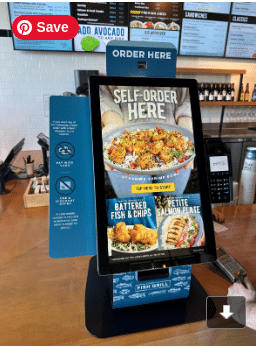
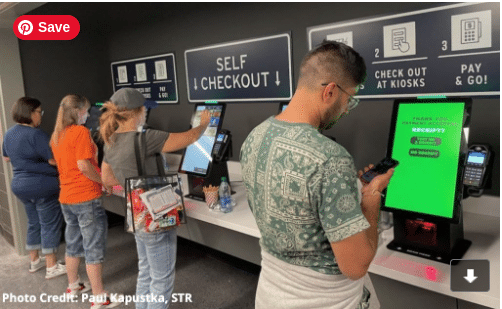
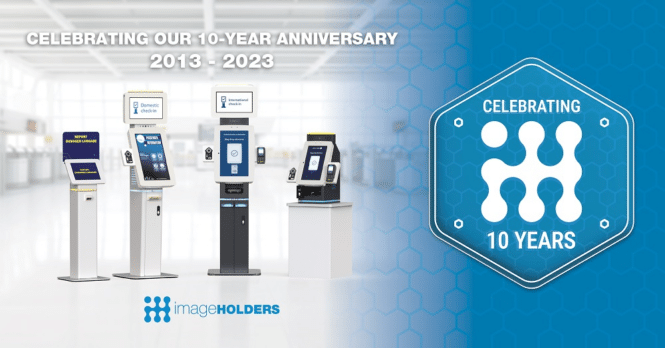


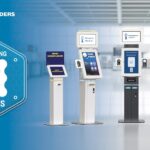
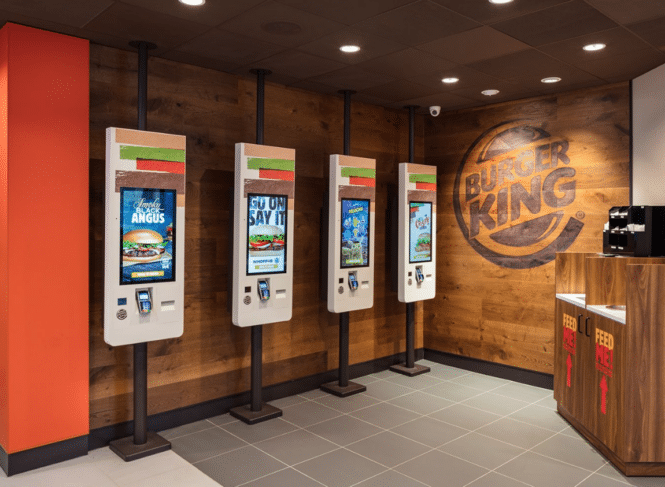
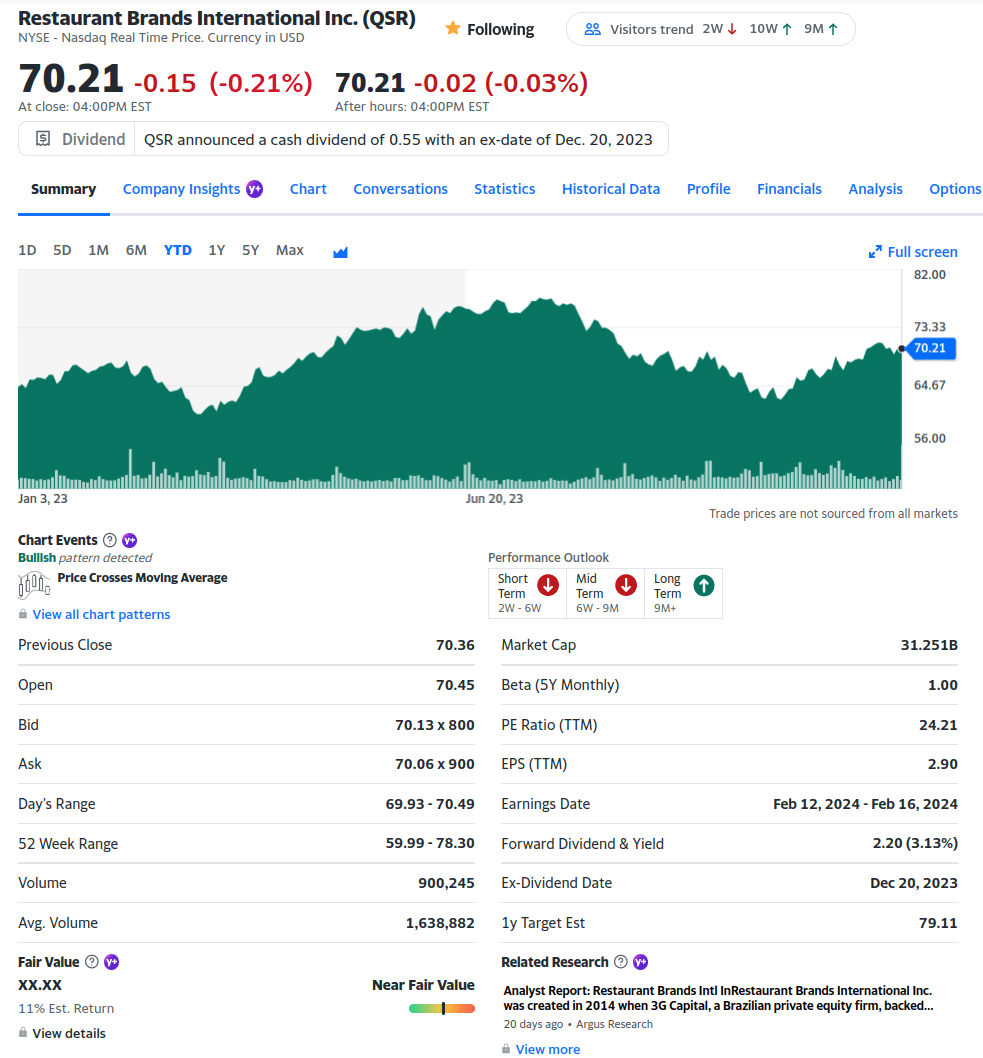
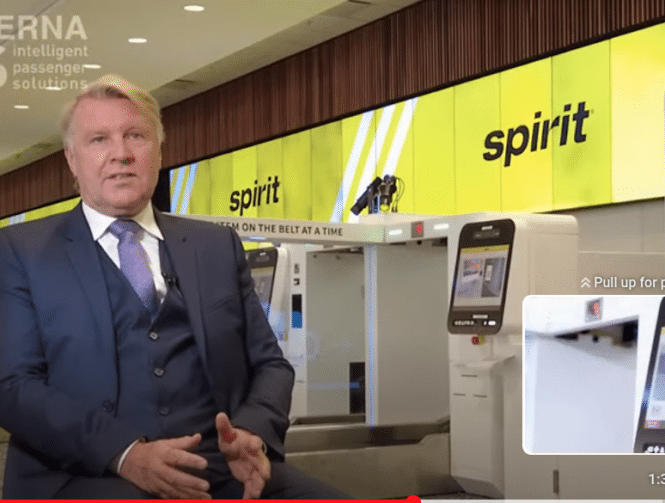
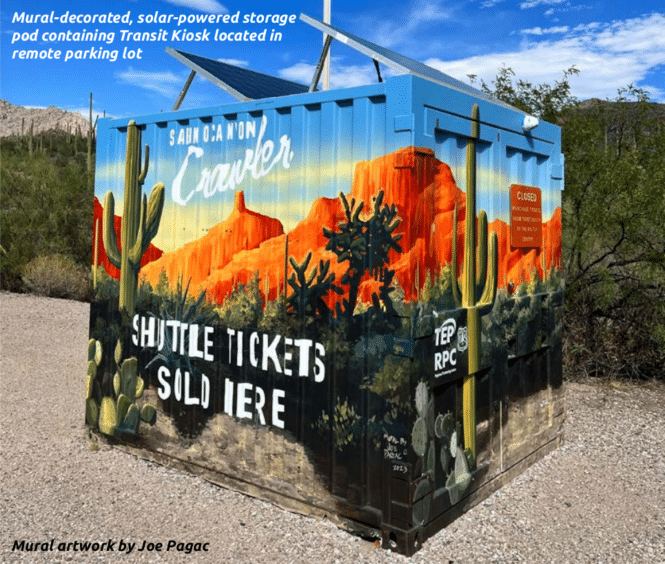

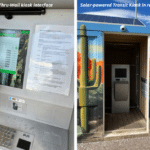
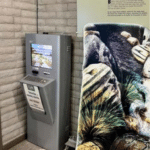
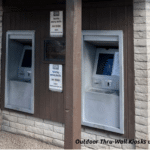
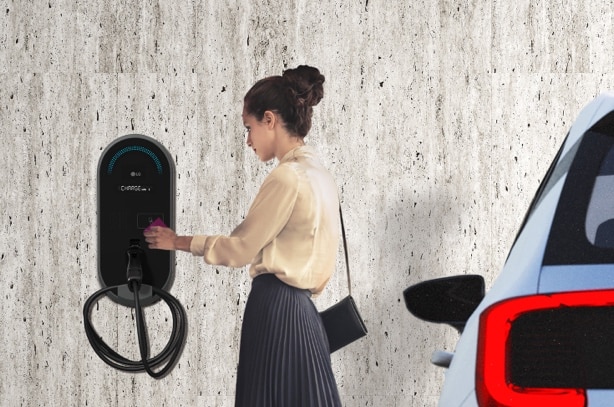
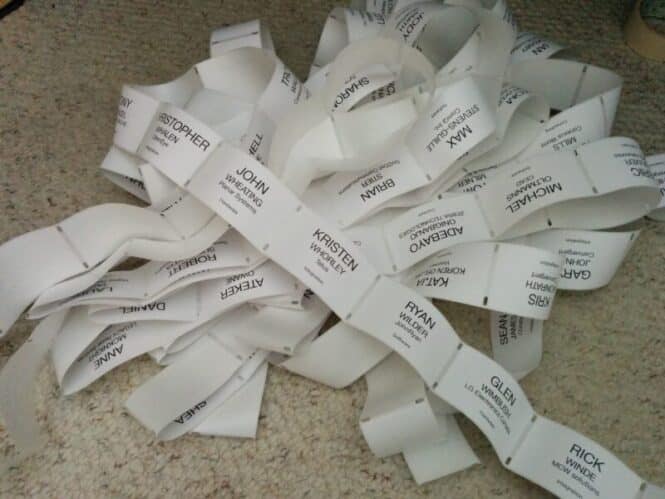

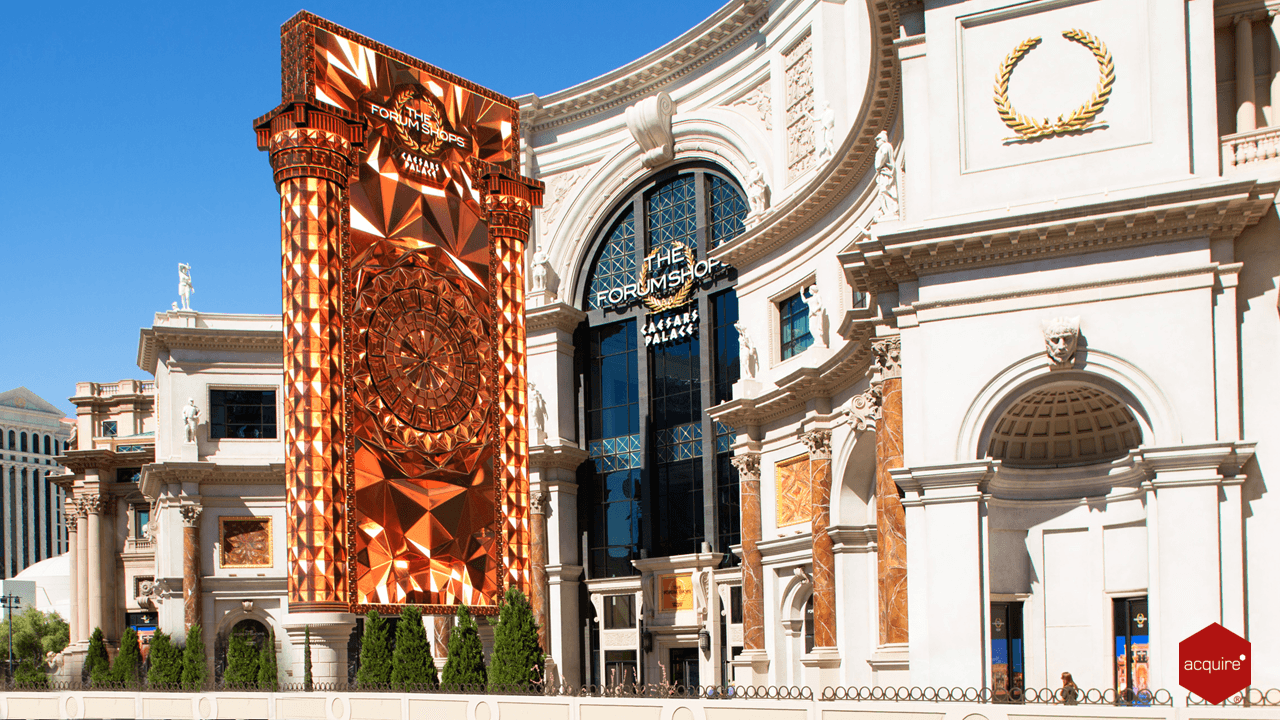
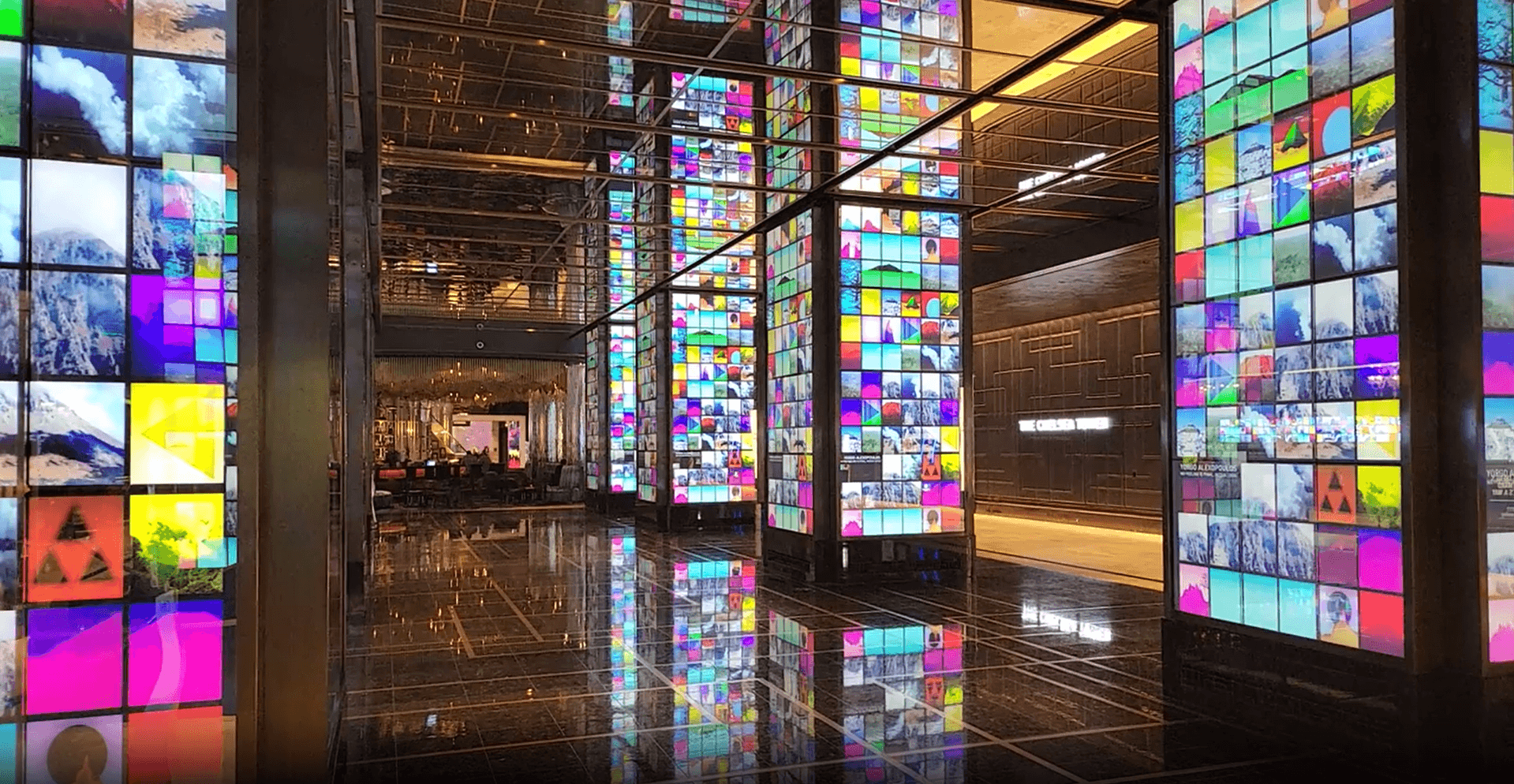
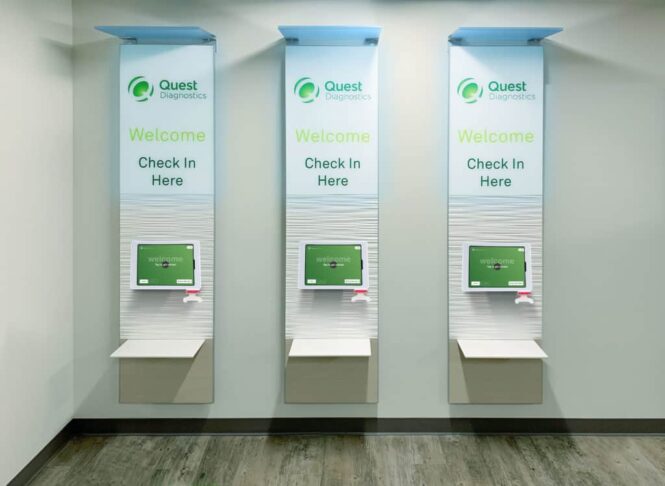
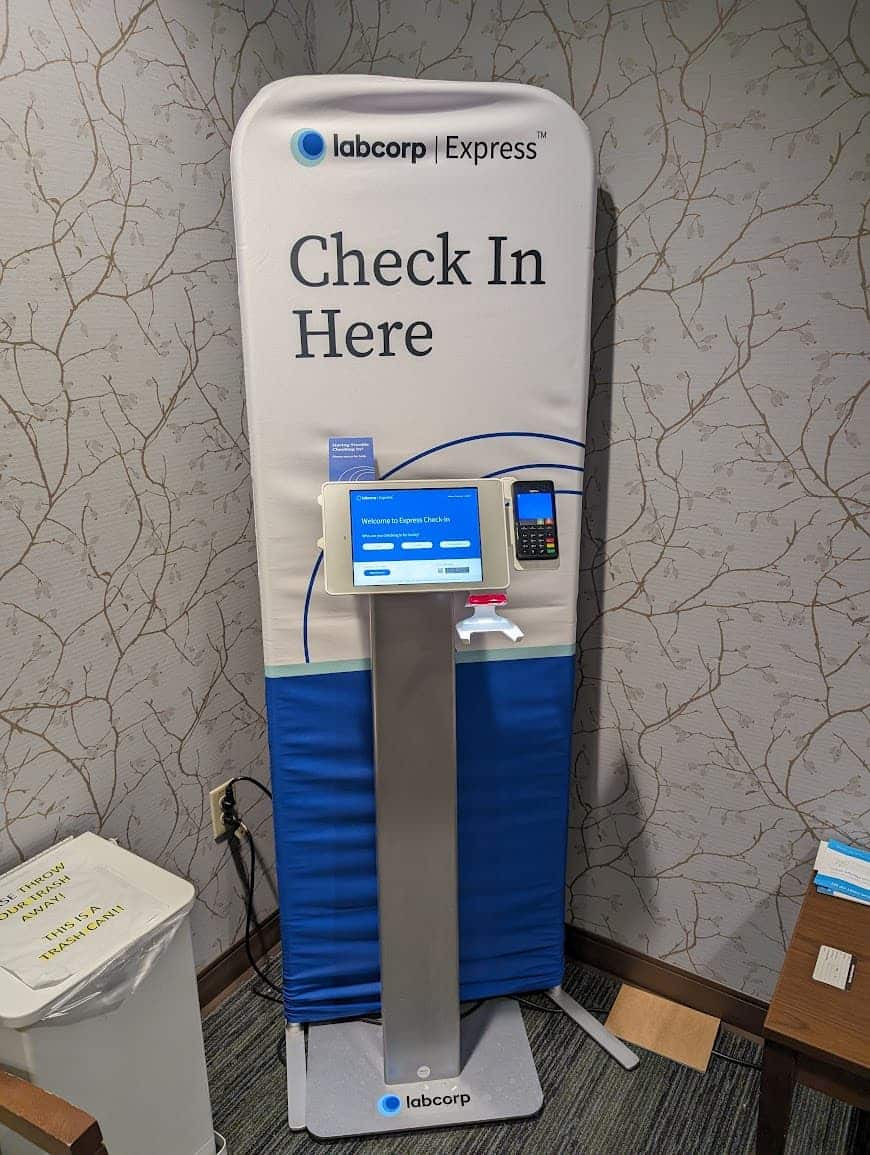
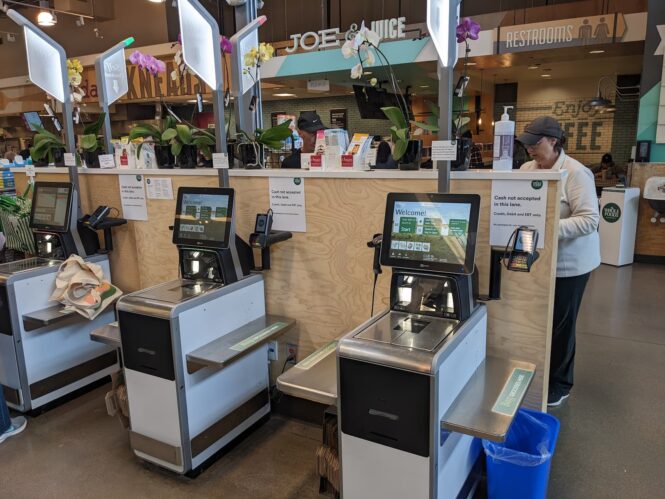
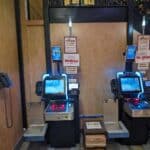
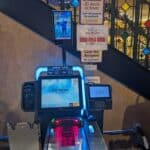
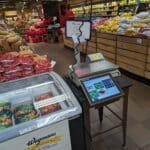
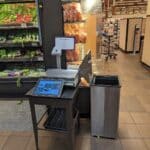
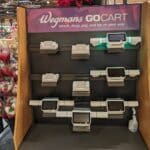
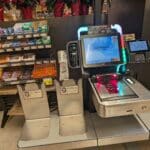
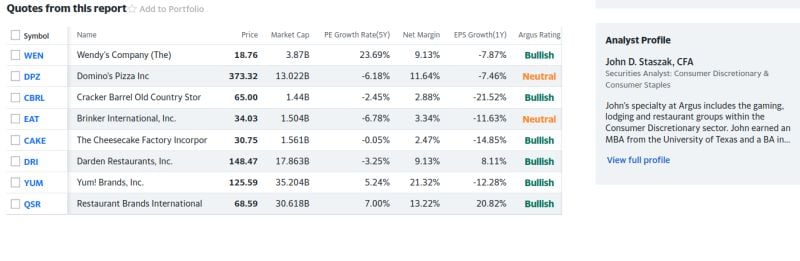

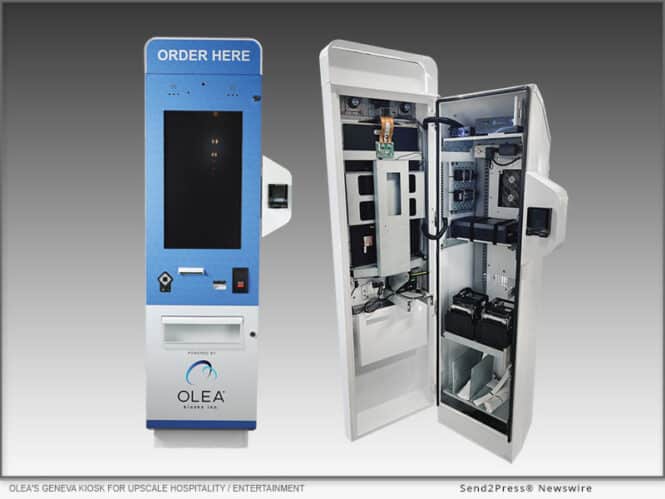
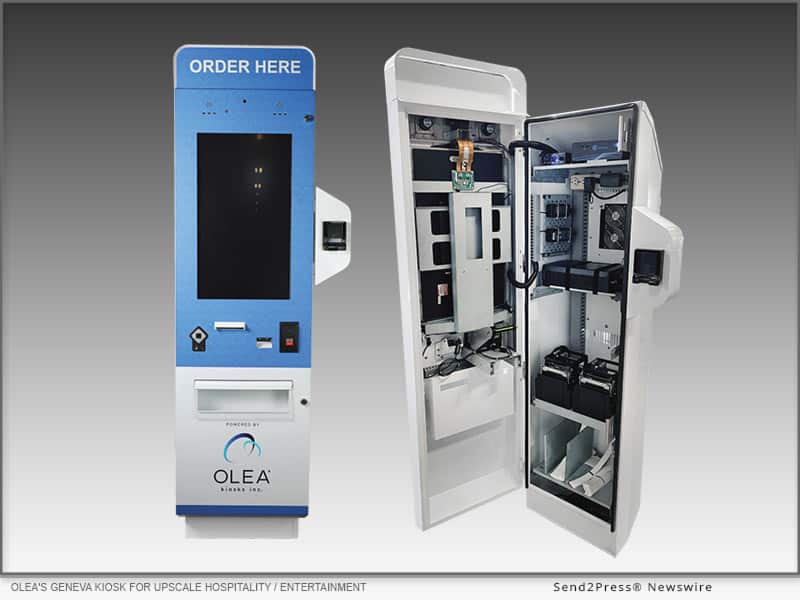
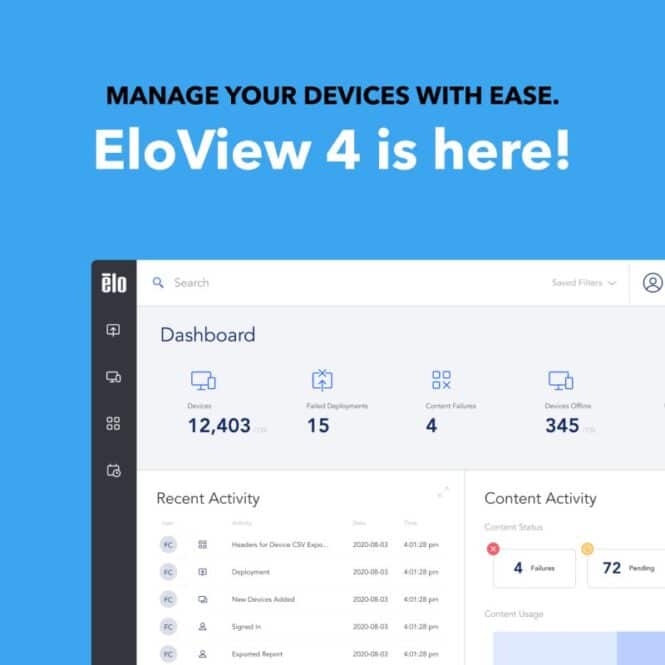
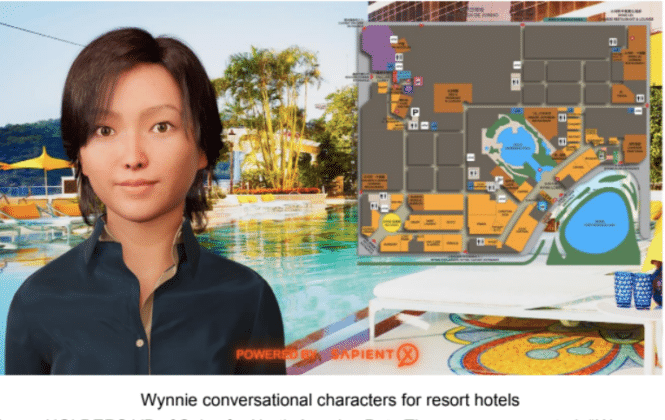
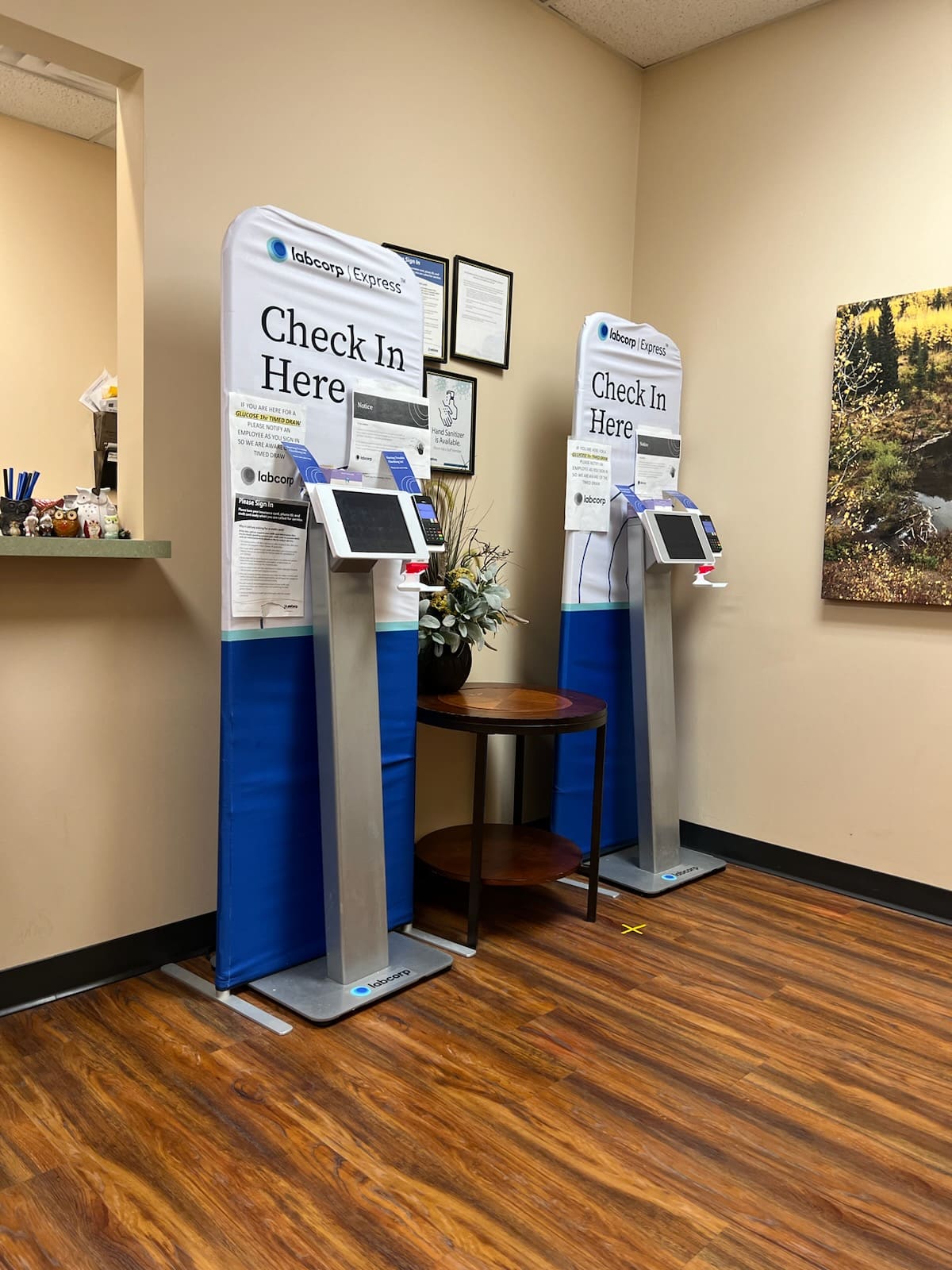
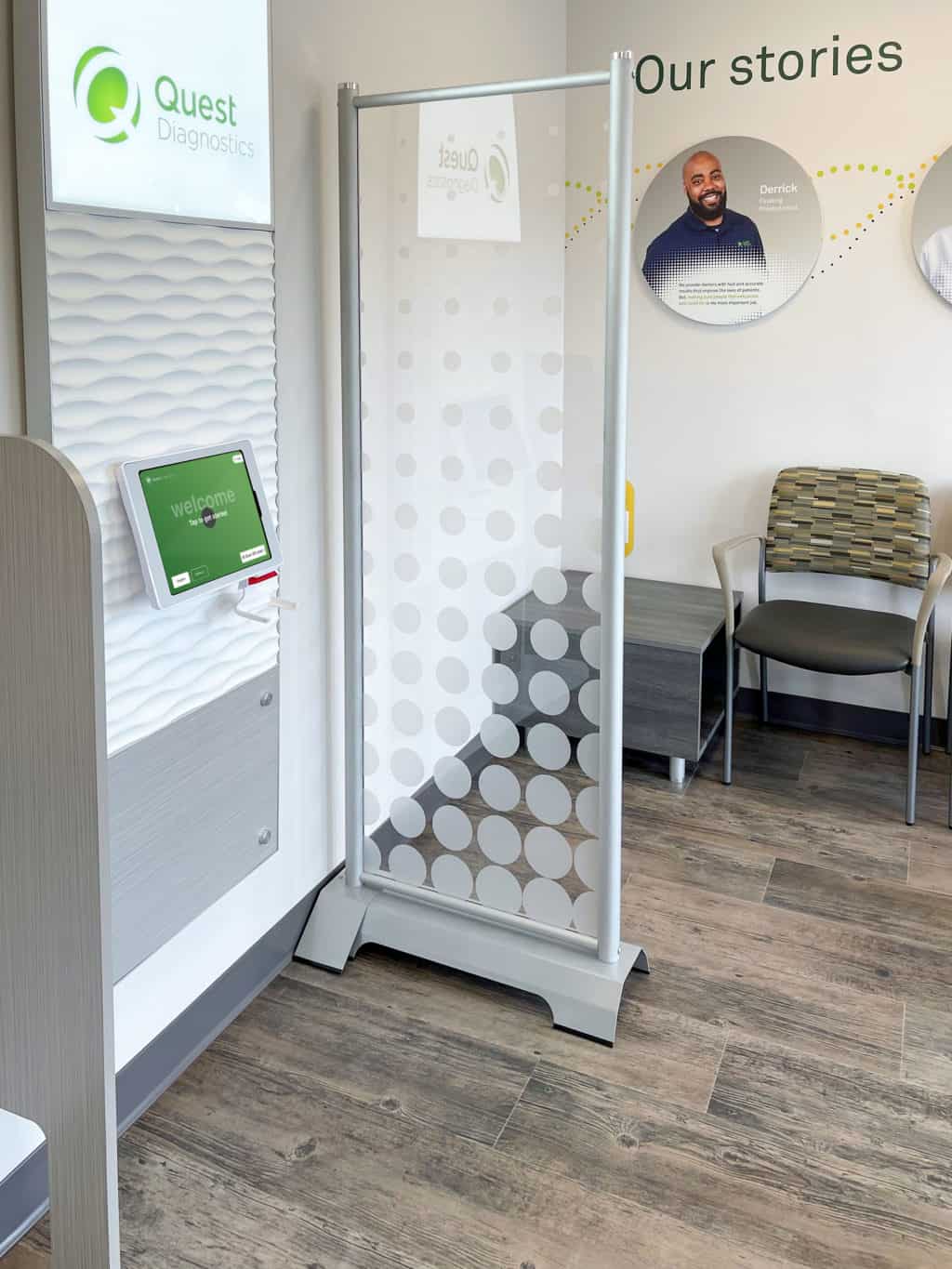
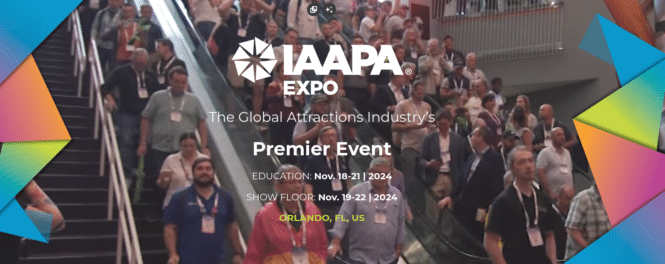
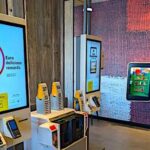



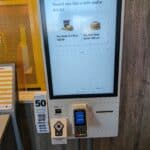
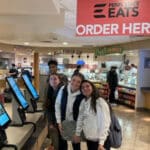
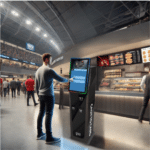

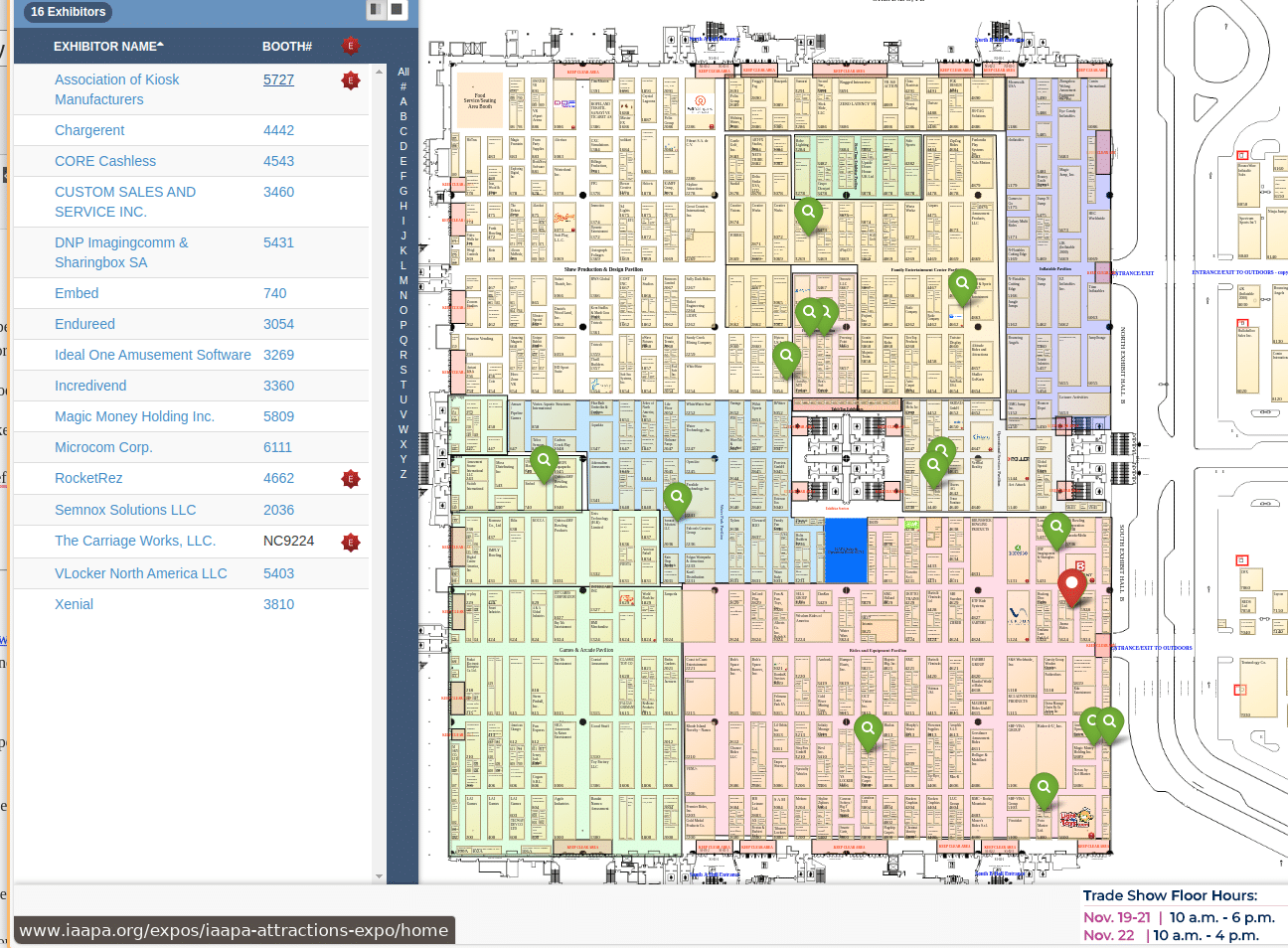
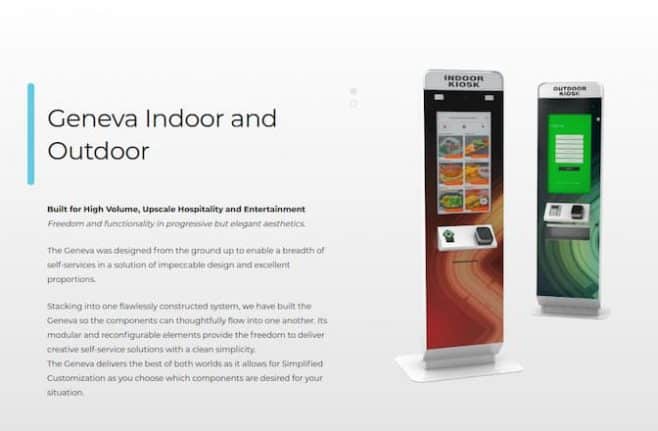
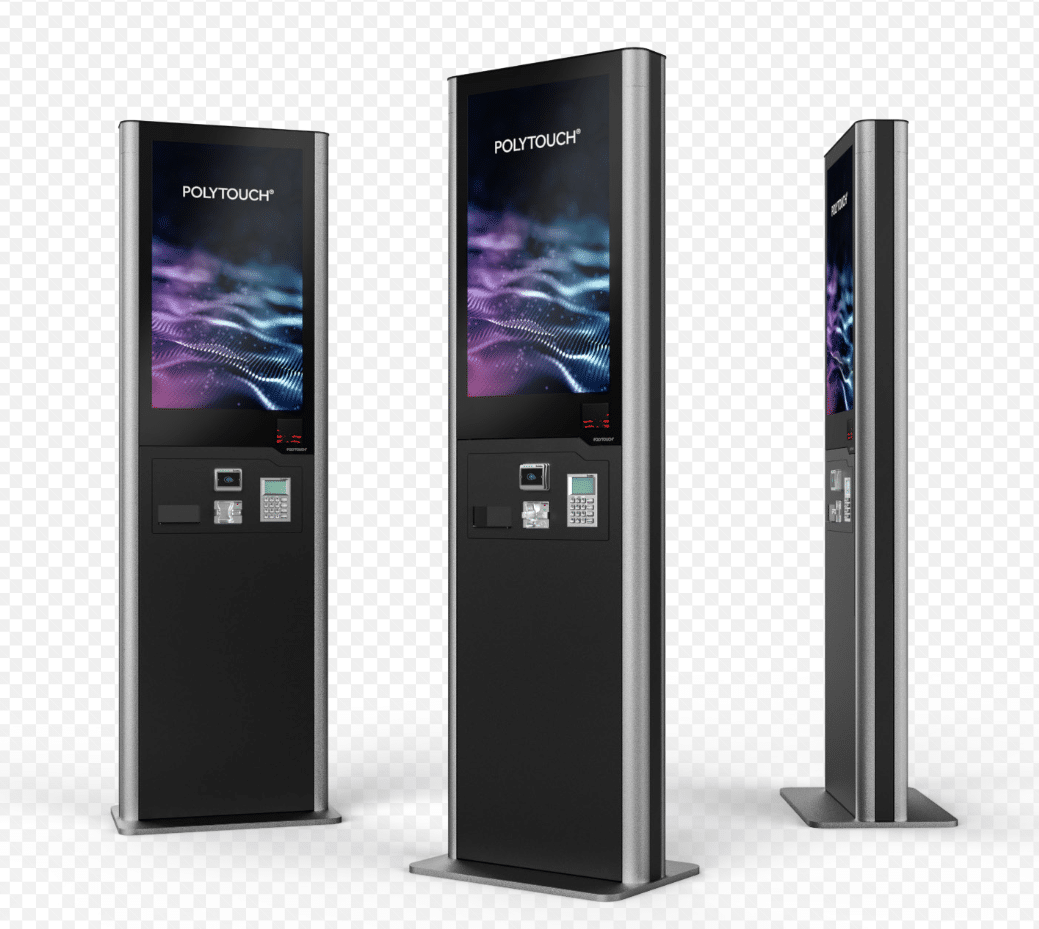
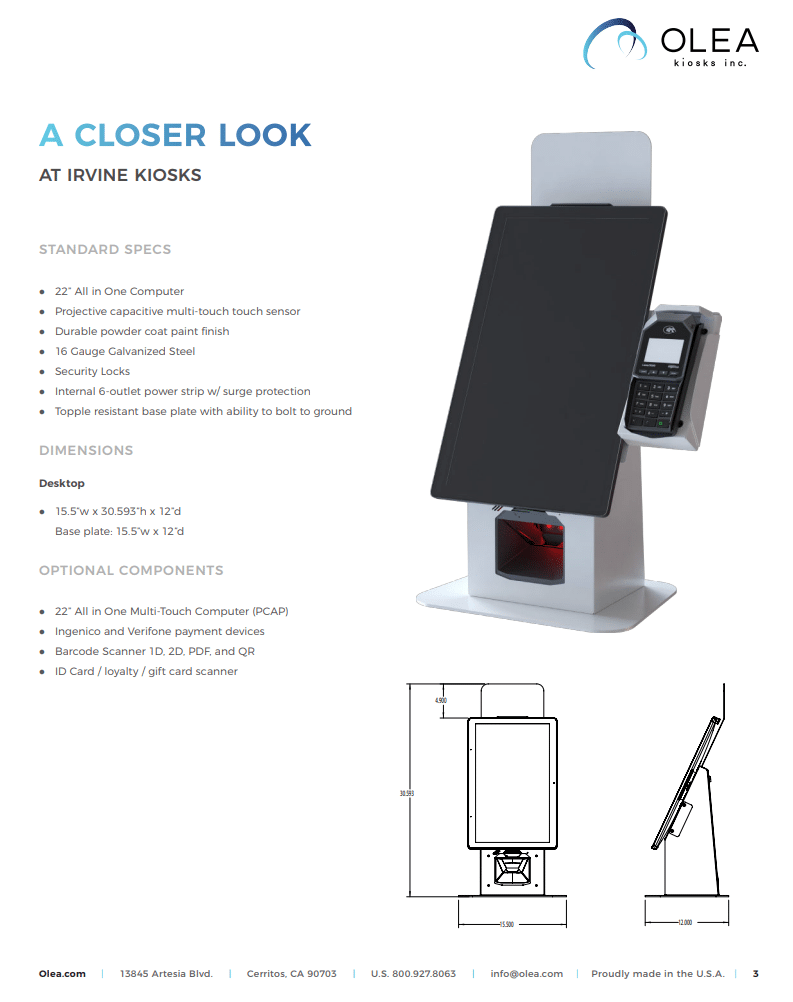


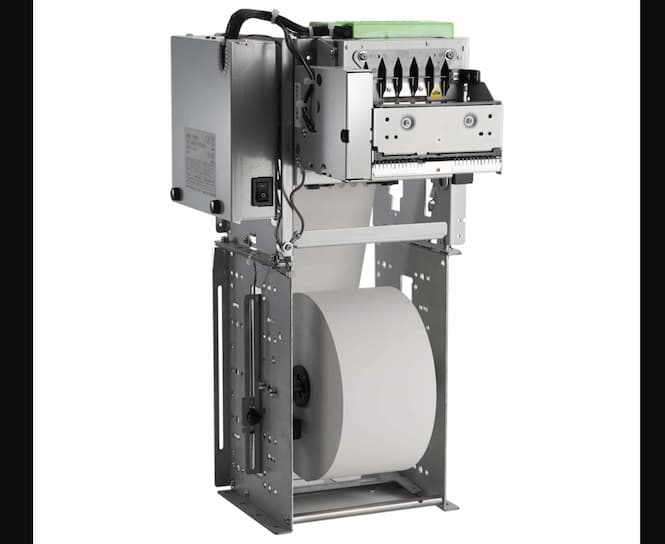
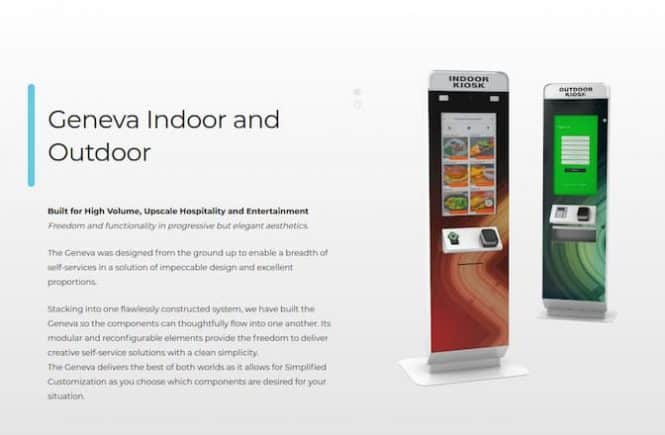
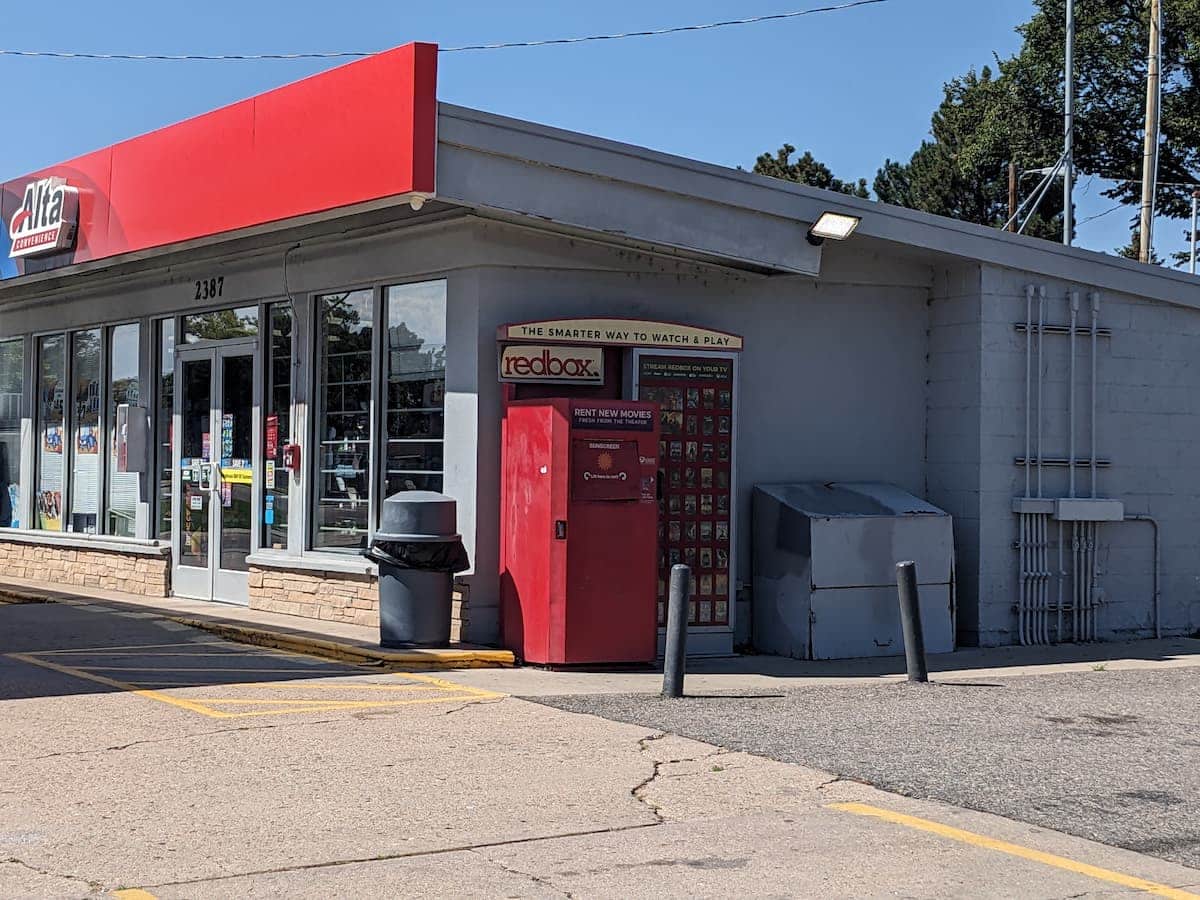

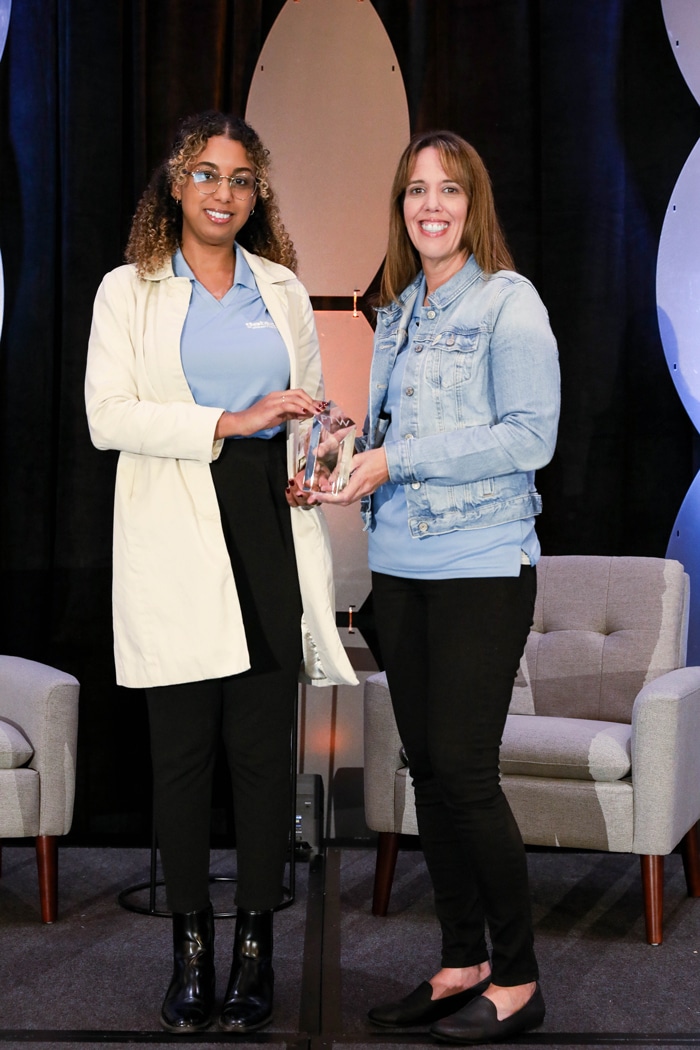

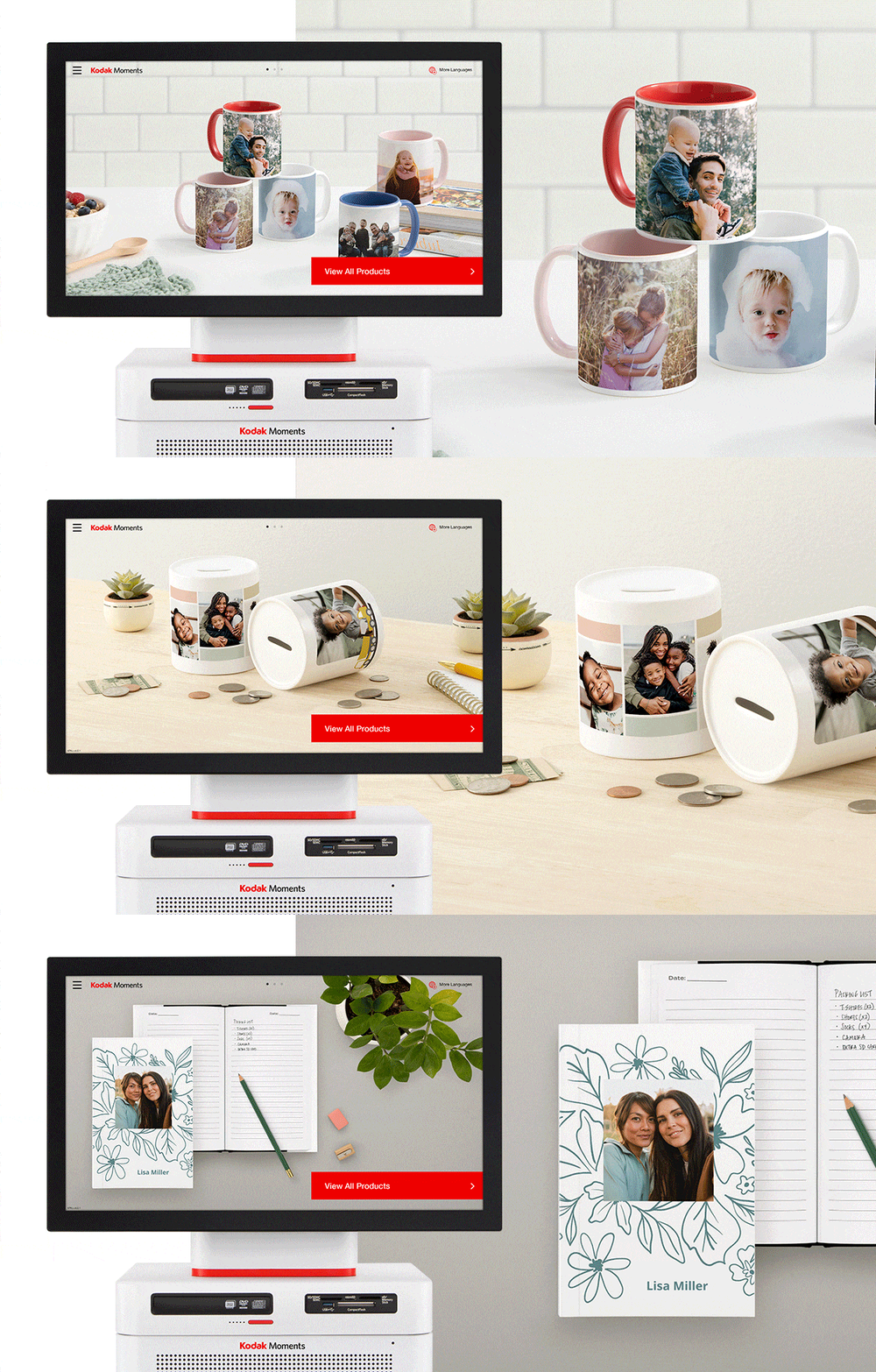
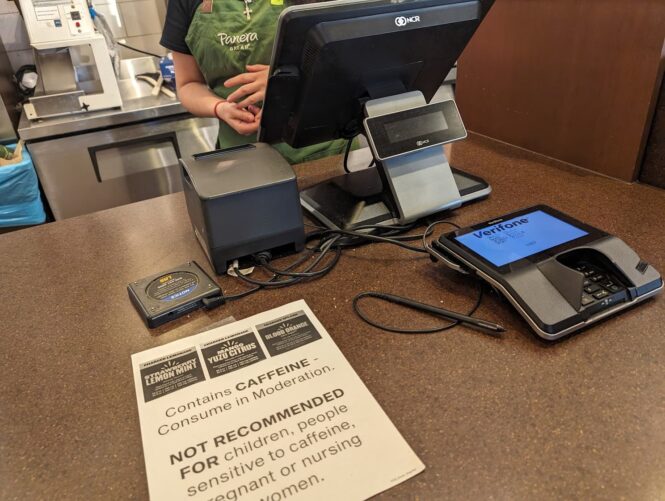
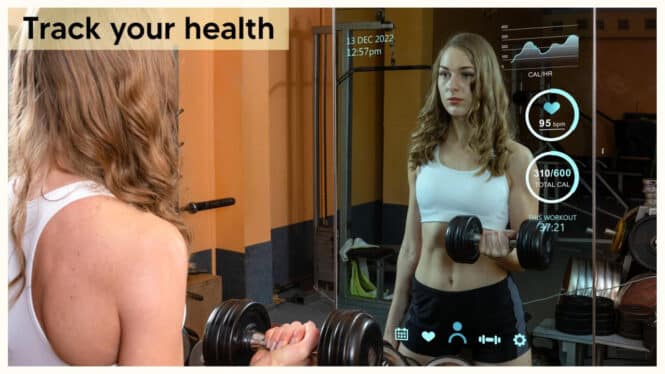
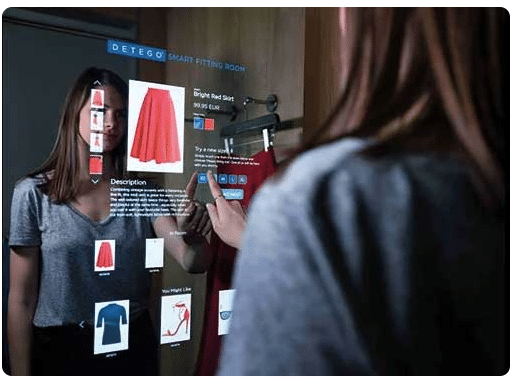


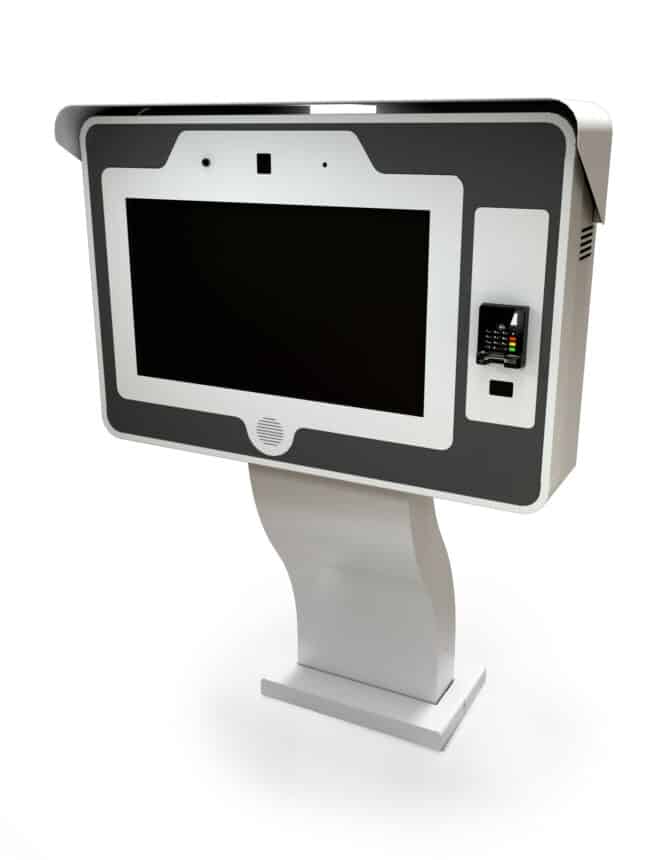
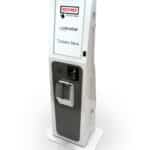
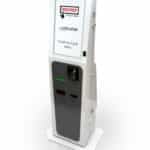
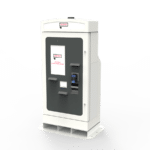

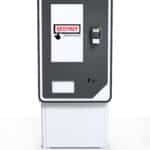
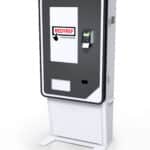
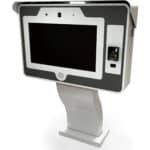
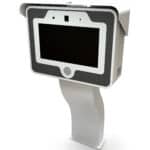
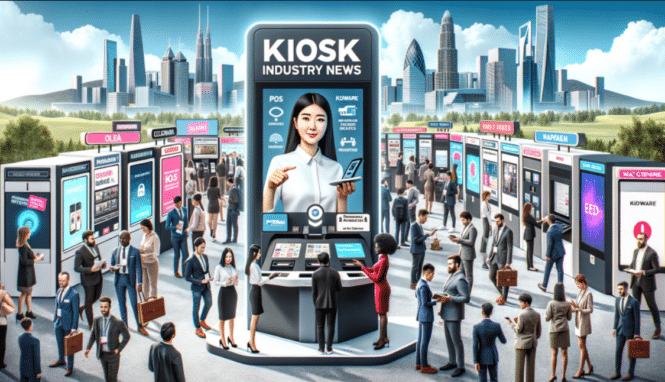
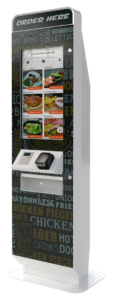

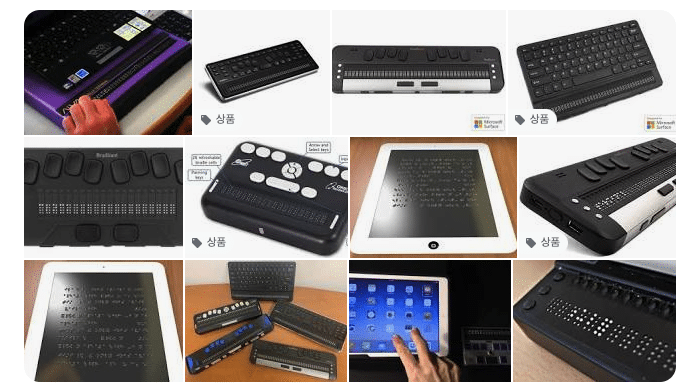
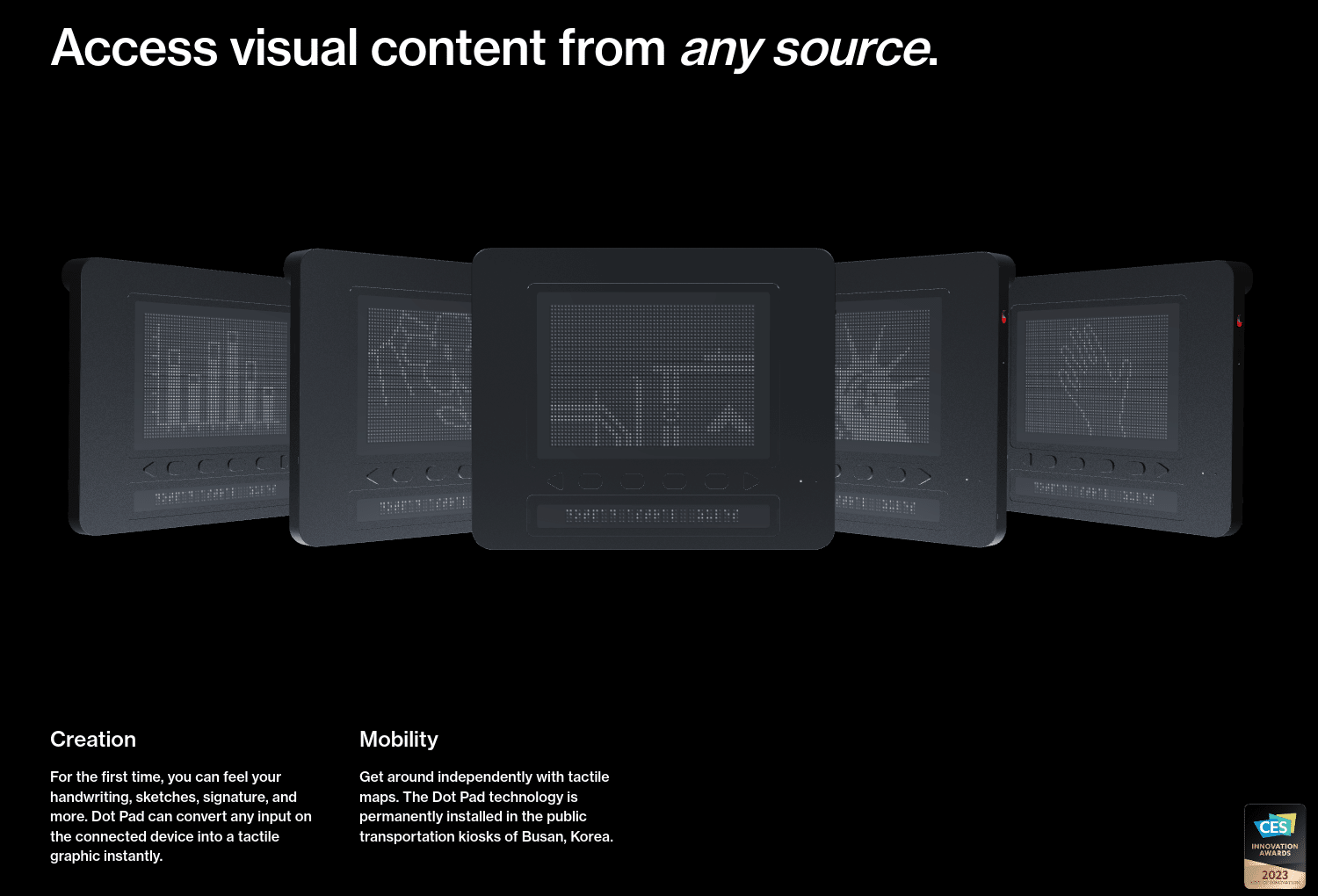
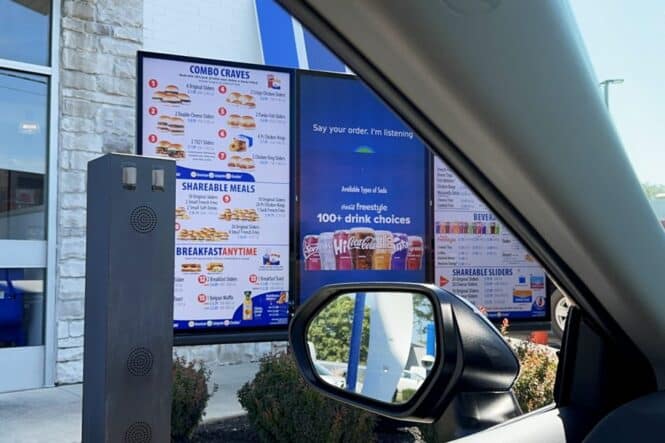
 “With MagicINFO, Samsung is helping transform menu boards from simple, static displays to personalized, easy-to-navigate experiences for the customer that also deliver business benefits to the restaurant,” said James Fishler, Senior Vice President of the Display & Home Entertainment Divisions at Samsung Electronics America. “By integrating SoundHound’s AI-driven voice technology, we’re providing an extraordinary experience for White Castle customers when it comes to enjoying what they love. This is just the beginning of a relationship that will propel their brand to the cutting-edge of customer experiences